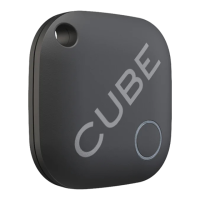
Locate Cube with another phone
SignintoyourCubeaccountfromasmanyphonesasyouliketolocateyourCube,orseeitslast
knownlocation.
If your Cube is connected to a dierent phone your app will notify you what phone and give the
current location.
You will have to use the connected phone to ring the Cube. Otherwise turn o Bluetooth on
the connected phone and Cube will connect with the next closest phone that is signed into the
account and has Bluetooth turned on. Double pressing the Cube button will only ring the phone
connected to the Cube.
Cube Settings
You can adjust the settings for each Cube separately by selecting a Cube from the list then
pressing the gear icon in the top right side of the screen to open the settings box.
Here you can personalize the settings such as:
• Name or picture of the Cube
• Phone or Cube notication of connection or disconnection
• Phone alarm settings
• Quiet times and zones
• Ringtones
Page 4


 To Next Page