Driving
Driving
Start and driving
Starting and stopping the en-
gine
Ignition and start button
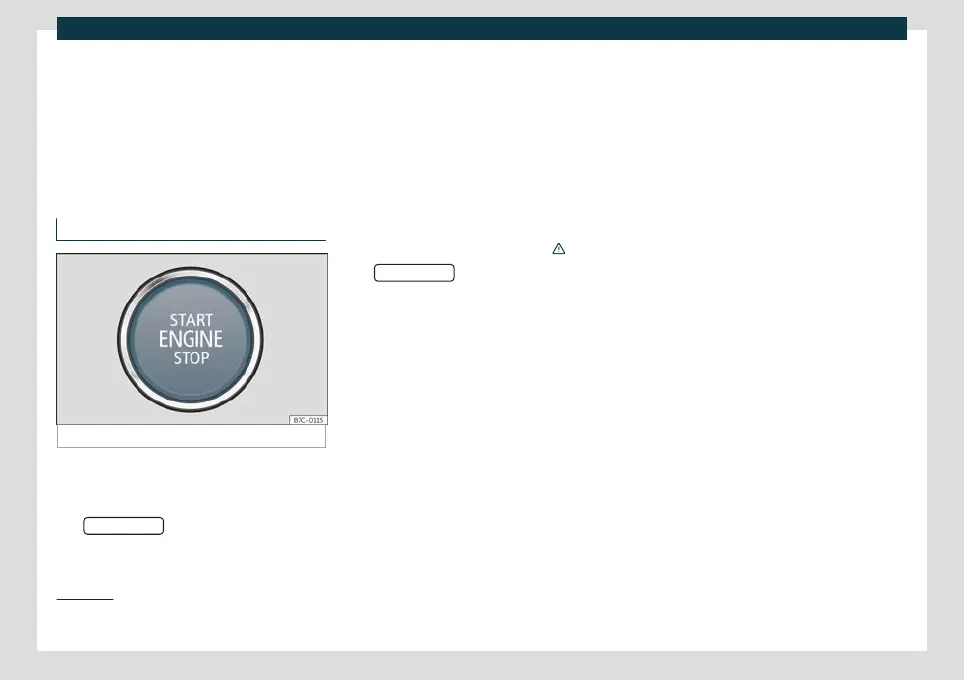
Fig. 138
Starter button
The engine can be started with a start button
(Pr
ess & Driv
e). For this there must be a valid
key inside the passenger compartment.
The
button is found at the bot-
t
om of the centr
e console or, depending on
the version, on the multi-function steering
wheel.
Opening the driver's door when exiting the
vehicle activates the electronic lock on the
steering column if the ignition is disabled.
Switching the ignition on/off
If you only want to switch on the ignition
(without starting the engine), briefly press
the start button once without pressing the
brake pedal or the clutch pedal
›››
.
The
push-button text flashes
lik
e a he
artbeat when the system is ready for
the ignition to be turned on or off
1)
.
Automatic ignition disconnection
When the vehicle detects that there is no
driver once the engine has stopped, after a
certain time the ignition is switched off auto-
matically. If at that time the dipped beam
headlights are on, the side lights will stay on
for approx. 30 minutes. The side lights can
be turned off by blocking the vehicle
›››
page 96, or manually
›››
page 113 .
Automatic deactivation of the ignition on
vehicles with the Start-Stop system
The ignition is switched off automatically
when the vehicle is stopped and the auto-
matic engine shutdown is active, if:
●
The driver's seat belt is not fastened,
●
the driver does not step on any pedal,
●
the driver door is opened.
After automatically turning off the ignition, if
the dipped beam is on, the side light re-
mains on for approx. 30 minutes (if there is
enough charge in the battery). If the driver
locks the vehicle or manually turns off the
light, the side light goes out.
Switching off the ignition when leaving the
vehicle, with hybrid drive
When the ignition is not switched off in E-
MODE operating mode, a certain amount of
time after the journey is complete it switches
off automatically to prevent draining the 12-
volt vehicle battery.
“My Beat” function*
1)
For vehicles with a convenience key there is
the “My Beat” function. This feature provides
1)
Valid for versions with the start button on the
centre console.
206



 To Next Page
 Loading...


