Connect the AC adapter here.
RJ-45 port The port connects the Tablet to an Ethernet network.
Note:For details, see "Using the Internet" on page 9.
Supports high-definition digital video connections.
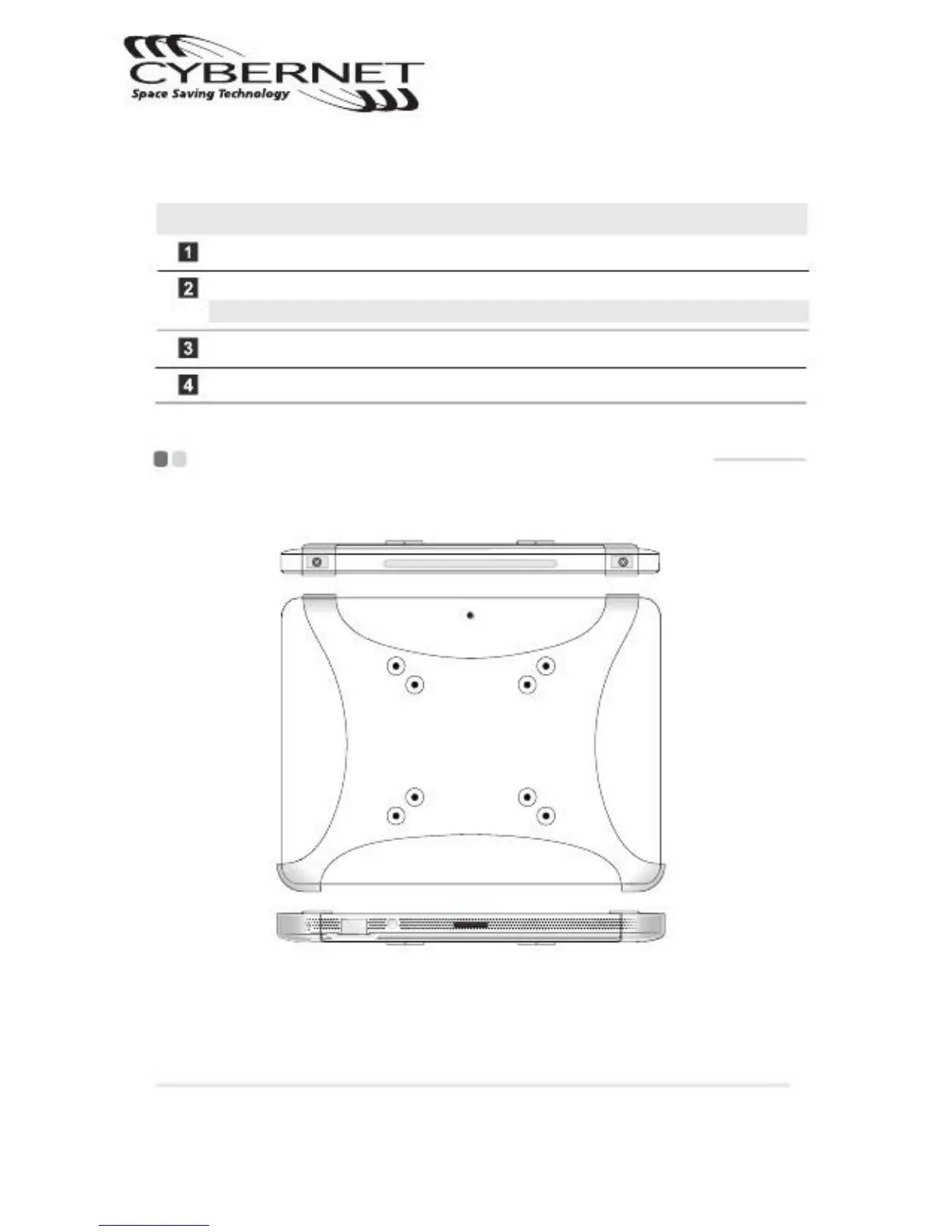
Connect the Tablet to the VESA wall mount
VESA ( Video Electronic Standard Association ) is an industrial compliance standard.
This standard includes hole patterns ( 75x75mm and 100x100mm ) on the back of
the Tablet that match the mounting device. A VESA wall mount is needed to mount
your Tablet safely to the wall or ceiling.
CyberMed T10C/T10C Tablet
Getting to know your Tablet


 To Next Page