22
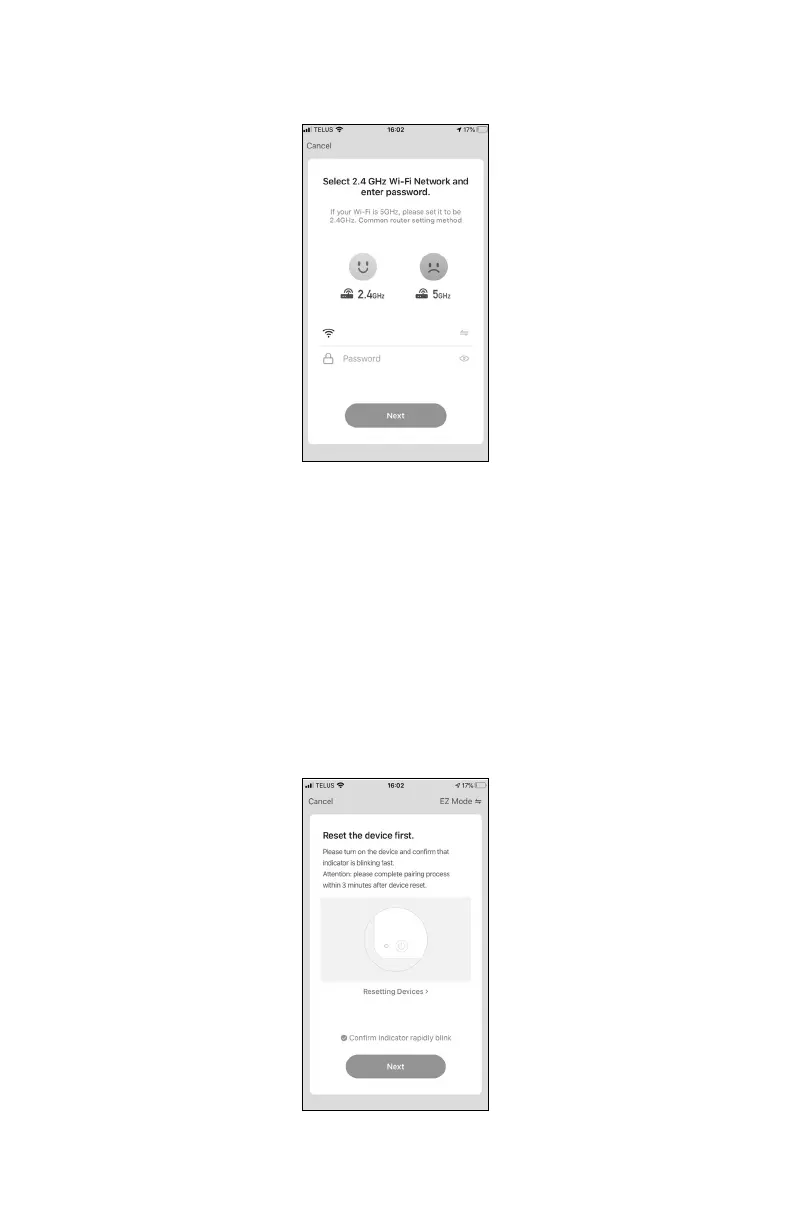
Make sure the app is connected to your WiFi (the name of your WiFi should appear
on your phone screen). Enter your password if necessary.
Step 3: Connect your air purier to your app
Press and hold the WiFi button for 5 seconds to activate the WiFi connection (It’s
not recommended to press too hard).
Important: make sure the WiFi icon is icking fast on the air purier display (2 times
per second).
On your app, check the Conrm indicator rapidly blick box.
Press Next.


 To Next Page