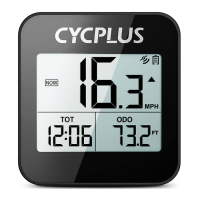
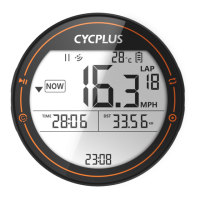
Power on, long press the
setting button to enter the
ii.æ
setting mode
CYCPLUS
KMH
Short press the
setting button to
edit the setting
(2)
Short press the
setting button to select
desired setting
CYCPLUS
KMH
Short press the power
button to confirm
the setting
Short press the
power button to enter
the setting mode
6
CYCPLUS
NOW
KMH
Long press the setting
button to return to
the main menu
01 .Time zone setting (C4)
After the screen displays C4, short press power button to confirm. The digit is
blinking, then short press setting button to change the value and press power
button to confirm.
02. Unit setting (C6)
After the screen displays C6, short press power button to confirm. The unit is
blinking, then short press setting button to select the unit and short press the
power button to confirm.
03.Factory reset (C7)
After the screen displays C7 , short press power button to confirm. After
RECOVER starts blinking, press the setting button twice, the screen starts
flashing, and it will automatically return to the display interface after three flashes.
04


 To Next Page
 Loading...