Let's Code
Step 20: Unplug the USB cable from your computer and
also the micro:bit. Install batteries in the battery holder
and slide the switch to turn it on/o.
Woohoo..you've completed your rst micro:bit project!
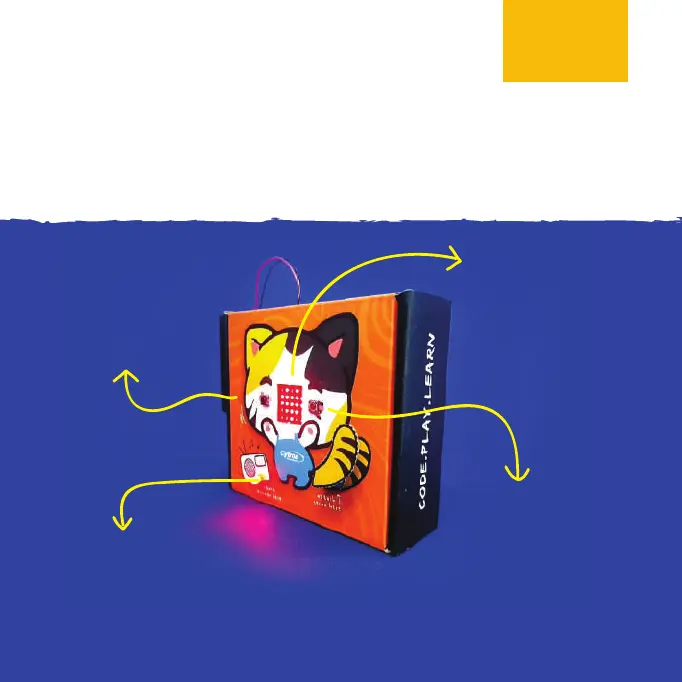
Press Button A
to make
Meow-Meow
swish its tail.
When powered up,
“Hello!” scrolls across
the display one time
and then heart icons
keep ashing forever.
Press Button B if you
want Meow-Meow
to sing you the
Birthday song.
LED lights up when the
power is turned on. When a melody is
being played, the LED will blink (i.e. turn o and
on repetitively) and stop when the melody ends.



 To Next Page