ENGLISH
ENGLISH
18 19
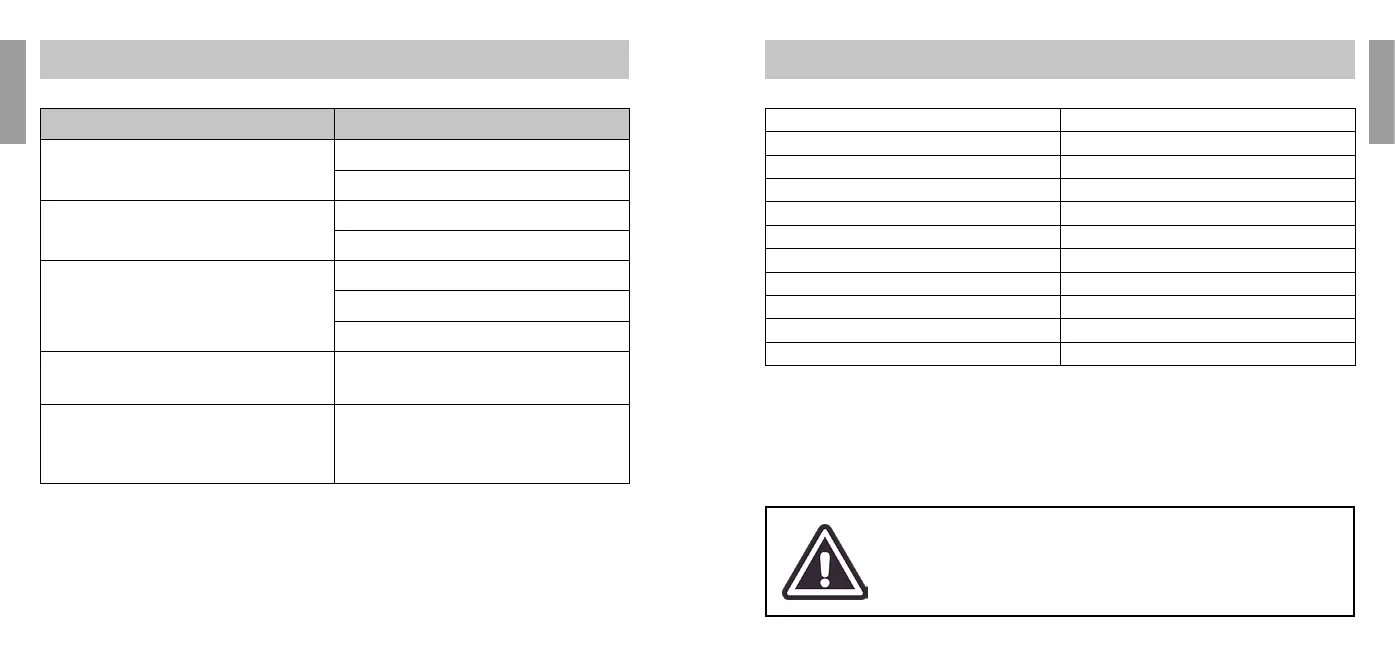
TECHNICAL SPECIFICATIONS
Type of Lamps HR (Epilation) SR (Photorejuvention)
Wavelength 530nm~1100nm / 650nm~1100nm
Area spot 4.4cm*1.6cm
Energy density 0 ~ 7J/cm 2
Pulse number 2 (HR) / 5 (SR)
Energy level 1 ~ 10
Power supply AC100V-240V,50Hz/60Hz
Rated input power 150W
Net weight 1.75kg
Equipment size L270mm*W230mm*H120mm
Package size L300mm*W300mm*H135mm
► ENVIRONMENTAL SPECIFICATIONS
Operating Ambient Temperature : 10ºC ~ 30ºC
Storage Ambient Temperature -10ºC ~ 55ºC
Degree of Operation Humidity: ≤70%
Degree of Moisture Storage: ≤93%
Maximum operating altitude: 860hPa ~ 1060hPa
Do not expose device directly to the sun or other radiation
If the appliance has been stored in a room with temperature too cold for days
without being used, you will need to bring it back to 15 ° C or more before
you can use.
PROBLEM CONTROL / SOLUTION
The appliance does not start
Connect to a better power socket
Contact our customer support
The contact sensor does not detect the skin
Replace the lamp
Contact our customer support
The appliance does not emit pulses
Check if the display does not blink when in contact with
the skin
Replace the lamp
Contact our customer support
The device buttons are not pressure sensitive Contact our customer support
The machine emits 3 consecutive beeps and does not shoot
the ash
The problem can occur when you switch to the next treated
area without touching off the skin, but slide it on the same
area. To unlock the machine, point the ash window toward
the vacuum and press the ring button. In this way, the
contact sensor is reset and the machine resumes to operate
normally.
PROBLEMS AND SOLUTIONS


 To Next Page
 Loading...