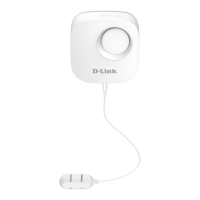
DCH -S161
6
ENGLISH
4
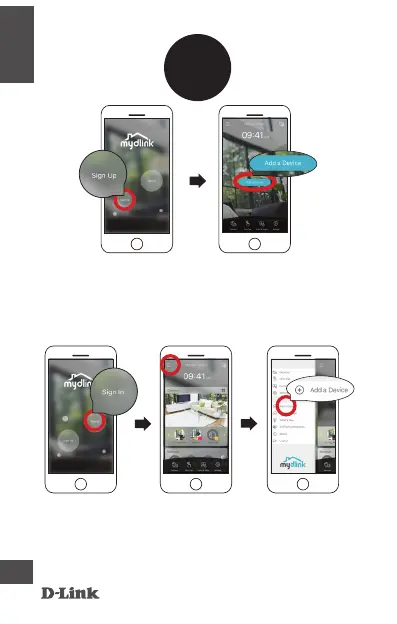
Existing Users:
Sign in using your mydlink account and tap the icon at
the top left, then tap Add a Device to start the setup
wizard. Continue to follow the onscreen instructions.
OR
New Users:
Tap Sign Up to register for a mydlink account, then tap
Add a Device to install your water sensor. Continue to
follow the onscreen instructions.


 To Next Page
 Loading...