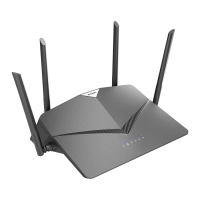
12D-Link DIR-2150 User Manual
Section 2 - Installation
Step 4
Plug in and turn your modem back on and wait approximately one minute
before proceeding.
Step 5
Connect the supplied power adapter to the router and a power outlet,
press the power button, and wait approximately one minute until the LED
indicator on the front of the device changes from orange to solid white.
ModemModem
Step 6
If you are conguring the router wirelessly from a PC, connect to the Wi-Fi network printed on the label attached to the
bottom of your router or in the Quick Installation Card.
SSID:
Password:
Modem


 To Next Page