DIR-853 Quick Installation Guide
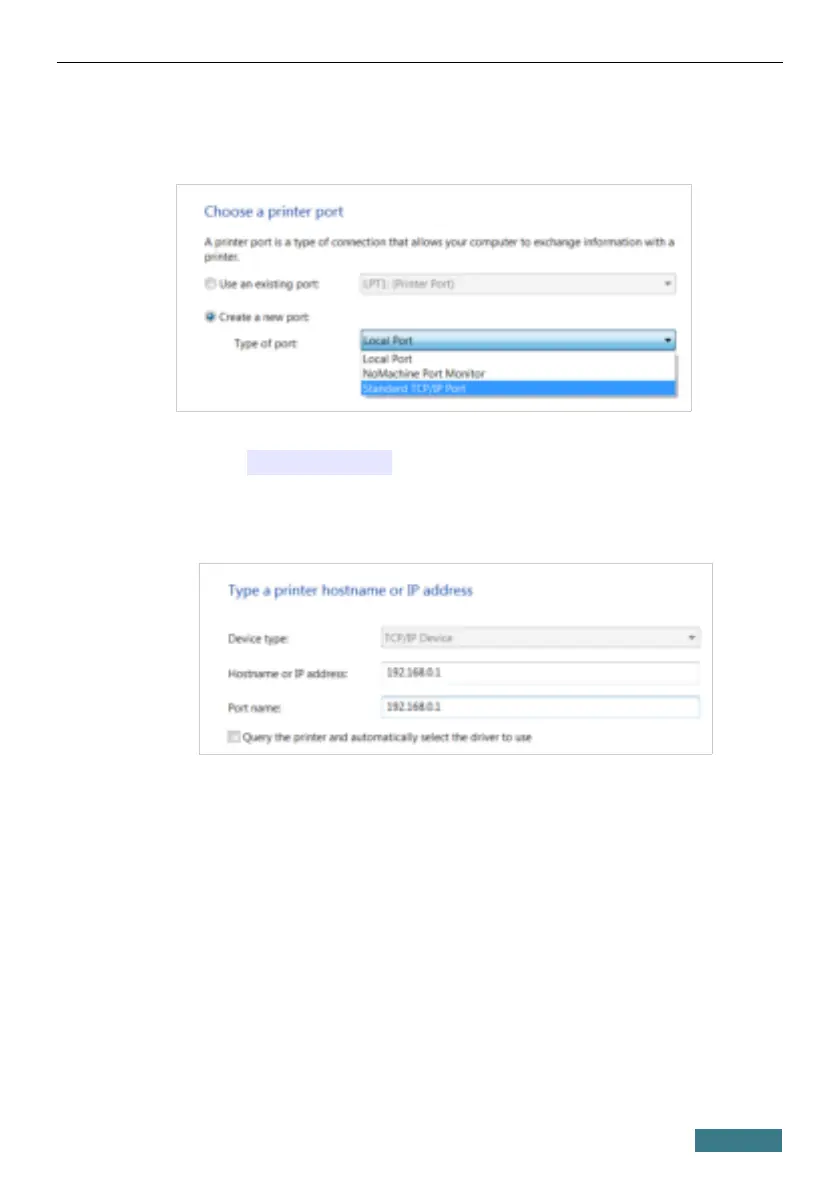
9. Select the Create a new port choice of the radio button and then select
the Standard TCP/IP Port value from the Type of port drop-down
list. Click the Next button.
10. Enter the IP address of the router in the Hostname or IP address field
(by default, 192.168.0.1). Deselect the Query the printer and
automatically select the driver to use checkbox and, if needed,
change the name of the port in the Port name field. Click the Next
button.
49



 To Next Page