13D-Link DIR-X1860 User Manual
Section 2 - Installation
Step 5
Plug in and turn your modem back on and wait approximately one minute
before proceeding.
Step 6
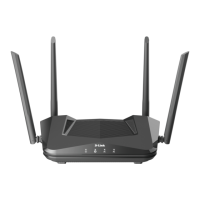
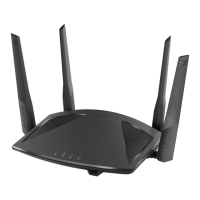
Connect the supplied power adapter to the router and a power outlet,
press the power button, and wait approximately one minute until the LED
indicator on the front of the device changes from orange to solid white.
Step 4
Use the included Ethernet cable to connect your modem to the port labelled
as INTERNET on the router.
ModemModemModem










 To Next Page
