60D-Link DWA-510 User Manual
AppendixB-NetworkingBasics
Networking Basics
Check your IP address
AfteryouinstallyournewD-Linkadapter,bydefault,theTCP/IPsettingsshouldbesettoobtainanIPaddressfromaDHCPserver
(i.e.wirelessrouter)automatically.ToverifyyourIPaddress,pleasefollowthestepsbelow.
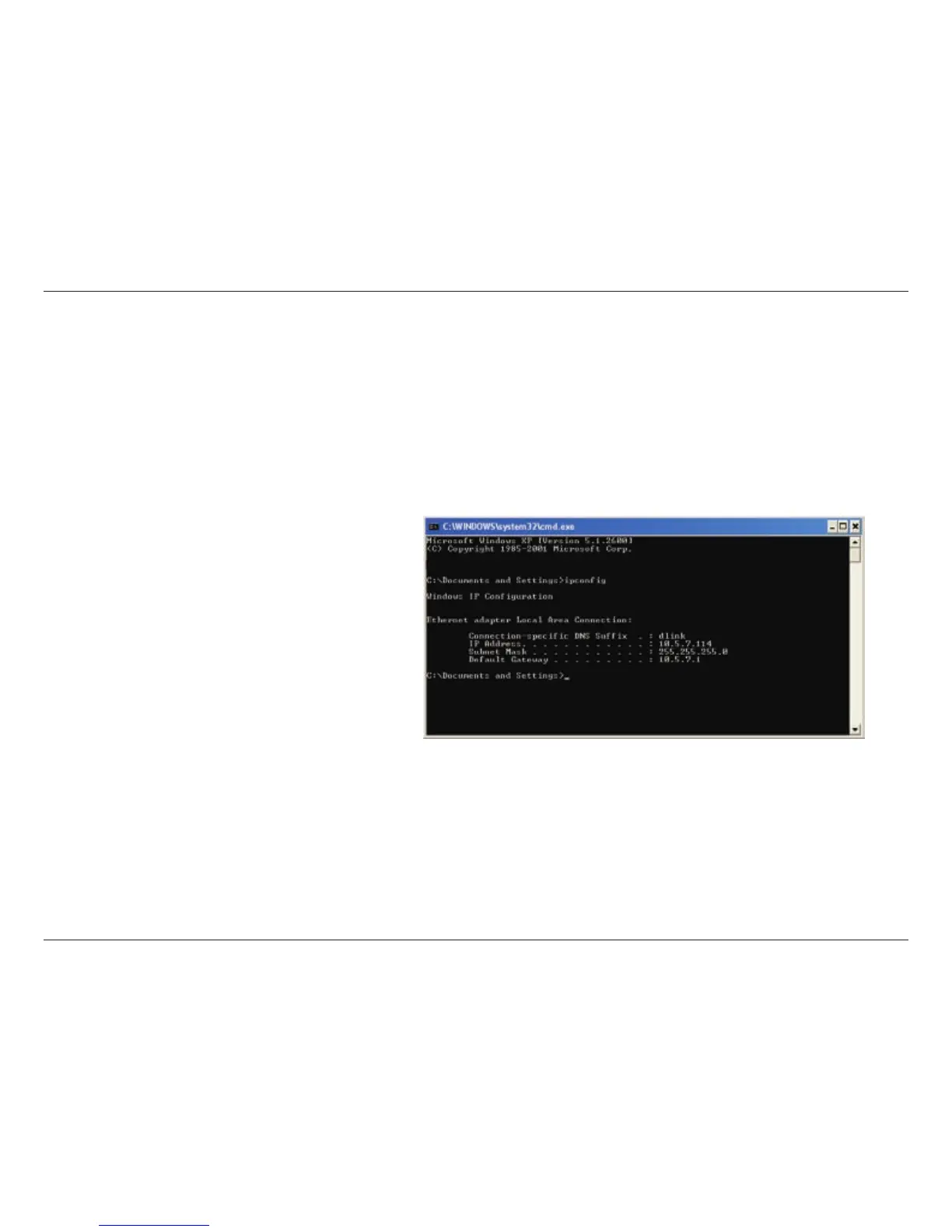
Click on Start > Run. In the run box type cmd and click OK.
Attheprompt,typeipconfig and press Enter.
ThiswilldisplaytheIPaddress,subnetmask,andthe
default gateway of your adapter.
Iftheaddressis0.0.0.0,checkyouradapterinstallation,
securitysettings,andthesettingsonyourrouter.Some
firewall software programs may block a DHCP request
on newly installed adapters.
If you are connecting to a wireless network at a hotspot
(e.g. hotel, coffee shop, airport), please contact an
employee or administrator to verify their wireless network settings.



 To Next Page
 Loading...









