7
Open a web browser (e.g. Internet Explorer, Chrome, Firefox, or Safari)
and enter http://dlinkrouter.local./ or the IP address of the router
(http://192.168.0.1).
7
6
Connect another Ethernet cable from the Ethernet port on your computer
to one of the LAN ports on the router. You can also connect wirelessly
to the router with your computer. Use the supplied Wi-Fi Conguration
Card for the Wi-Fi network name (SSID) and Wi-Fi password of the router.
4 3 2 1 INTERNET RESET WPS WiFi 12V...1.5A POWER
- • +
Computer
Ethernet Cable
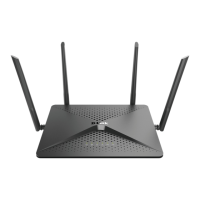
DIR-882
1 2 3 4 INTERNET 12V --1.5A POWER WPS
Wireless
Computer*









 To Next Page