DACELL CO., LTD
http://www.dacell.com
TEL:+82-43-2602242, FAX : +82-43-2602245
6
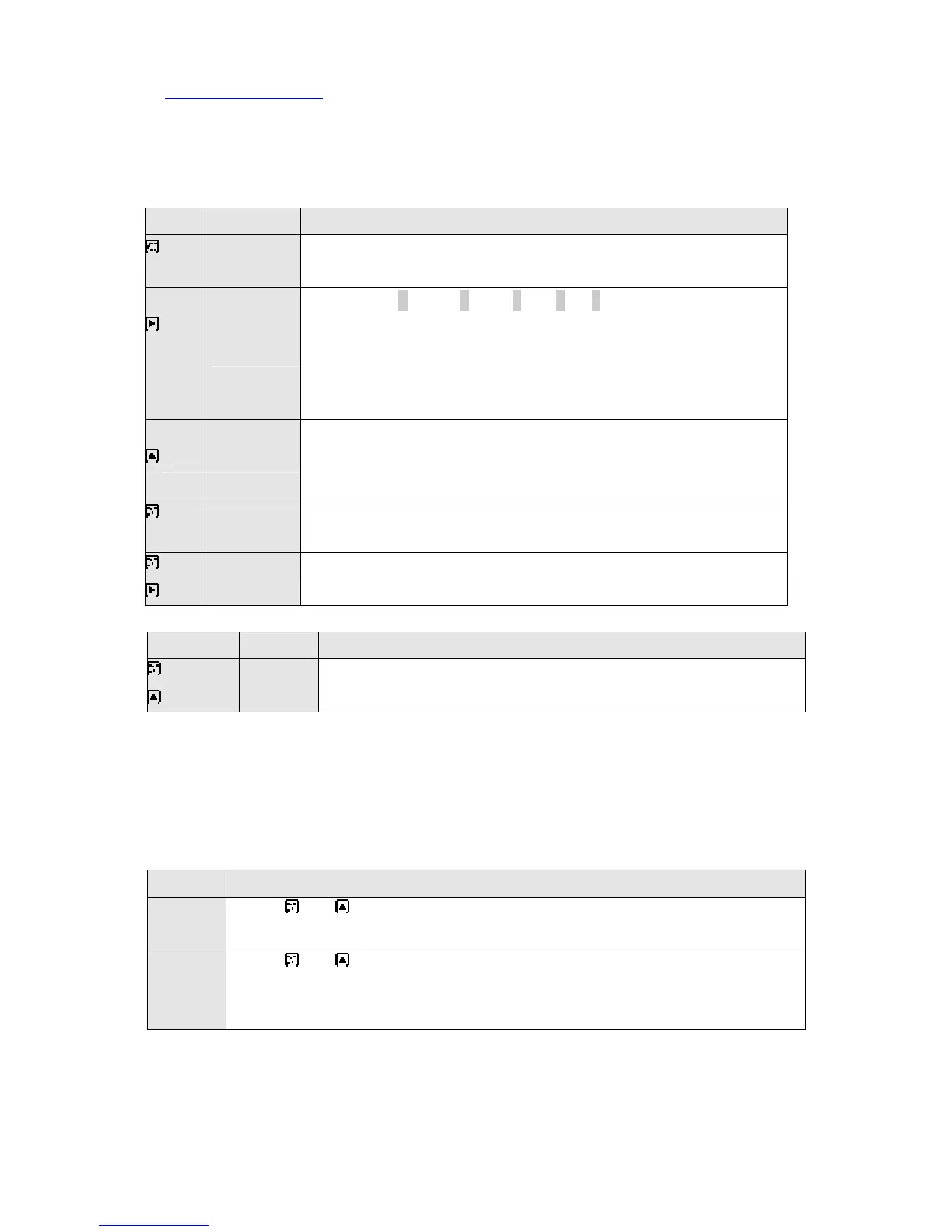
3) KEY operation
Key result Description
Mode
select
1. HI→LO→FS→DP→CAL→FS+CAL→FS+ DP→DP+CAL
2. All FND of selected mode will blink.
Position
select
3. Press key : 10000→1000→100→10→1
Selected digit position will blink
4. DP(decimal point mode) : decimal point
position movement key.
10.000→100.00→1000.0→10000
select
5. Data correction key.
6. 5 digit → 1, -1, -, non
7. The others 1→2→3→4→5→6→7→8→9→0
Input 8. Input data. After setting up must press
key therefore become input.
+
Auto zero 9. Sensor : No load state(0V, 4 ㎃)
10. Display : 0
4) PROTECTION mode
Use this mode for protection and security of System.
high, low data is possible to adjust irrespectively.
Key result Description
+
Lock
mode
11. Protect setting data.
12. Reset lock mode to adjust data
Mode confirm and setting
Unlock
* Press and key during 5 sec at the same time
FS, DP, CAL LED will light up and reset lock mode (data correction enable)
Lock
* Press and key during 5 sec at the same
time in unlock mode : FS, DP, CAL LED turn off (lock mode)
* power off : Set lock mode automatically.


 To Next Page
 Loading...