25
4-1. Part Test Mode
1) Test Start
1 Press the 'Course' button and then select 'Delicate' program. With the 'Course' button pressed, press the
'Rinse+' button three times to start a test.
2 The product version is displayed after starting a test.
3 Press the 'Course' button to run the washer in the following sequence.
4. TEST MODE
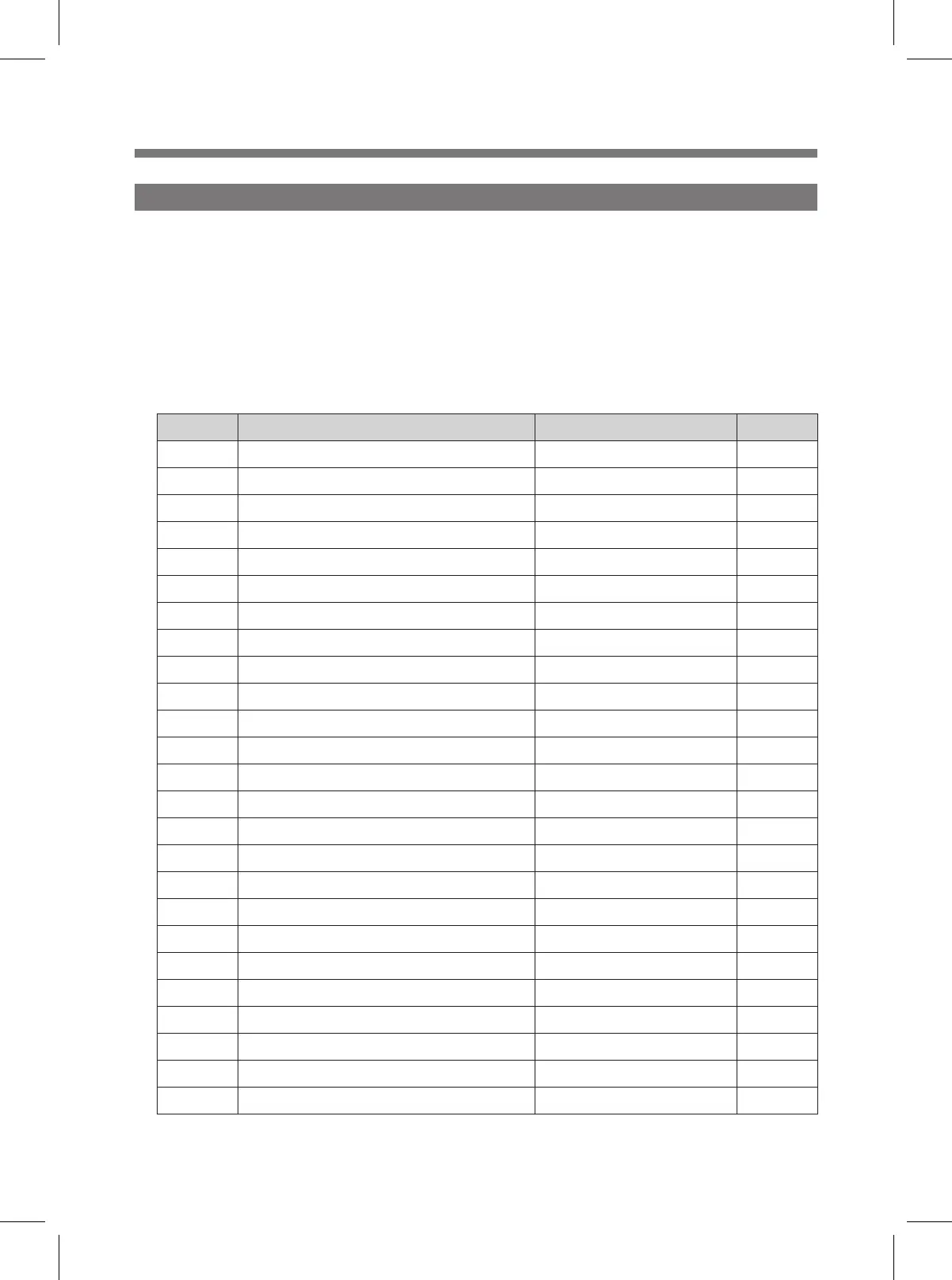
Sequence Description Display Note
1 Water Level 23.41kHz => 3, 41 2
개로 표시
2 Wash Temp Sensor ℃
3 Dry Temp Sensor ℃
4 IPM Temp Sensor ℃
5 DC LINK Voltage Voltage
6 SOFTNER SWITCH OPEN/CLOSE SO/SC
7 DETERGENT SWITCH OPEN/CLOSE dO/dC
8 DRAIN SWITCH OPEN/CLOSE rO/rC
9 Wash Heater H2 3s ON
10 Dry Heater H1 3s ON
11 COLD VALVE C
12 SOFTNER VALVE r
13 DRAIN MOTOR dr
14 DRY VALVE d
15 OPTION VALVE OP
16 DETERGENT MOTOR dt
17 SOFTNER MOTOR SF
18 UV LAMP UL
19 -- --
20 Motor rotation direction: Clockwise rr
21 -- --
22 Motor rotation direction: Counterclockwise LL
23 -- --
24 DOOR LOCK LC/LO
25 DRY FAN F COMBO
MINI 2.0_COMBO,WASH_영문_SM.indd 25 2017. 8. 25. 오전 11:16



 To Next Page