36
Other Disc Playback
5
Press [NEXT] or [PREV] to manually skip to the next or previous image.
6
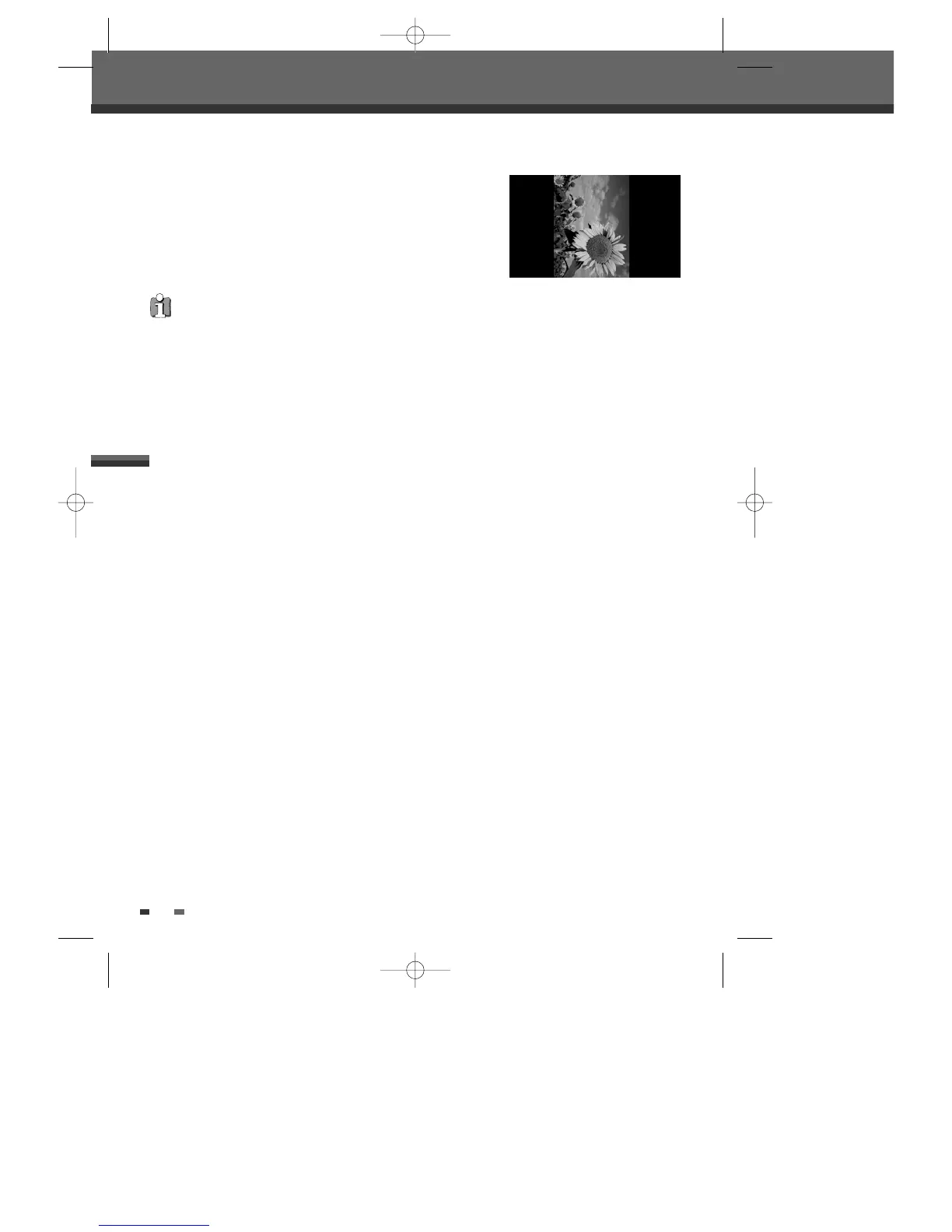
Press [
√
] (or [
œ
]) to rotate the image (counter) clockwise.
7
Press [STOP] to exit the slideshow.
• When a CD contains both MP3 files and JPEG files, the default Play mode is JPEG image files.
• The DVD Recorder+VCR can playback up to 1000 files per disc.
• MP3 files encoded below 64kbps are not supported.
You can enjoy a slide show while listening to MP3 music files.
1
Prepare a CD which includes both MP3 and JPEG files.
2
Insert the CD and play an MP3 file.
3
Press [TITLE] while playing the MP3 file to change the Play mode. The music playback will not stop.
4
Select an image file and press [ENTER] to start the slide show.
5
The MP3 file you selected continues to play during the JPEG slide show.
Playing MP3 Files During a Slide Show
DF-T35-37D2P-WB 2006.8.24 4:57 PM ˘ ` 36 mac001 1200DPI 90LPI



 To Next Page