Screen Adjustment
33
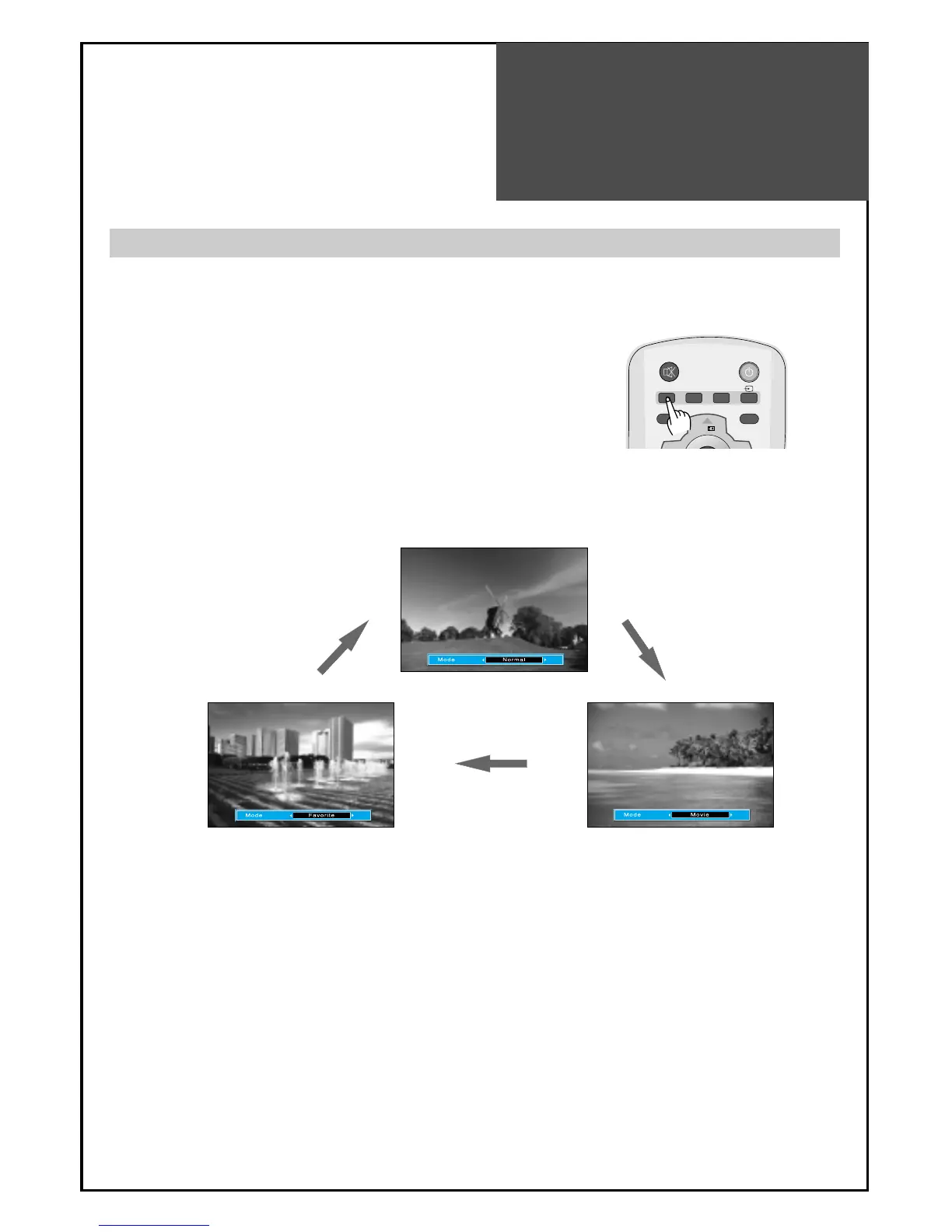
- The user may select various screens designed for a good picture without adjusting the brightness, contrast
or colour individually.
Note :
• Normal : For a highly defined image in a normally bright room
• Movie : Ideal for movies
• Favourite : Allows the user to customize settings as desired.
When setting up various screen modes
1. Pressing the “PICTURE” button.
• The screen changes as follows:
Normal => Movie => Favourite => Normal
• The screen adjustment status changes as the following screens are
displayed sequentially whenever pressing the "PICTURE" button.
• The screen returns to the mode prior to turning power off when you
power on again.



 To Next Page