58
Disc Media Operation
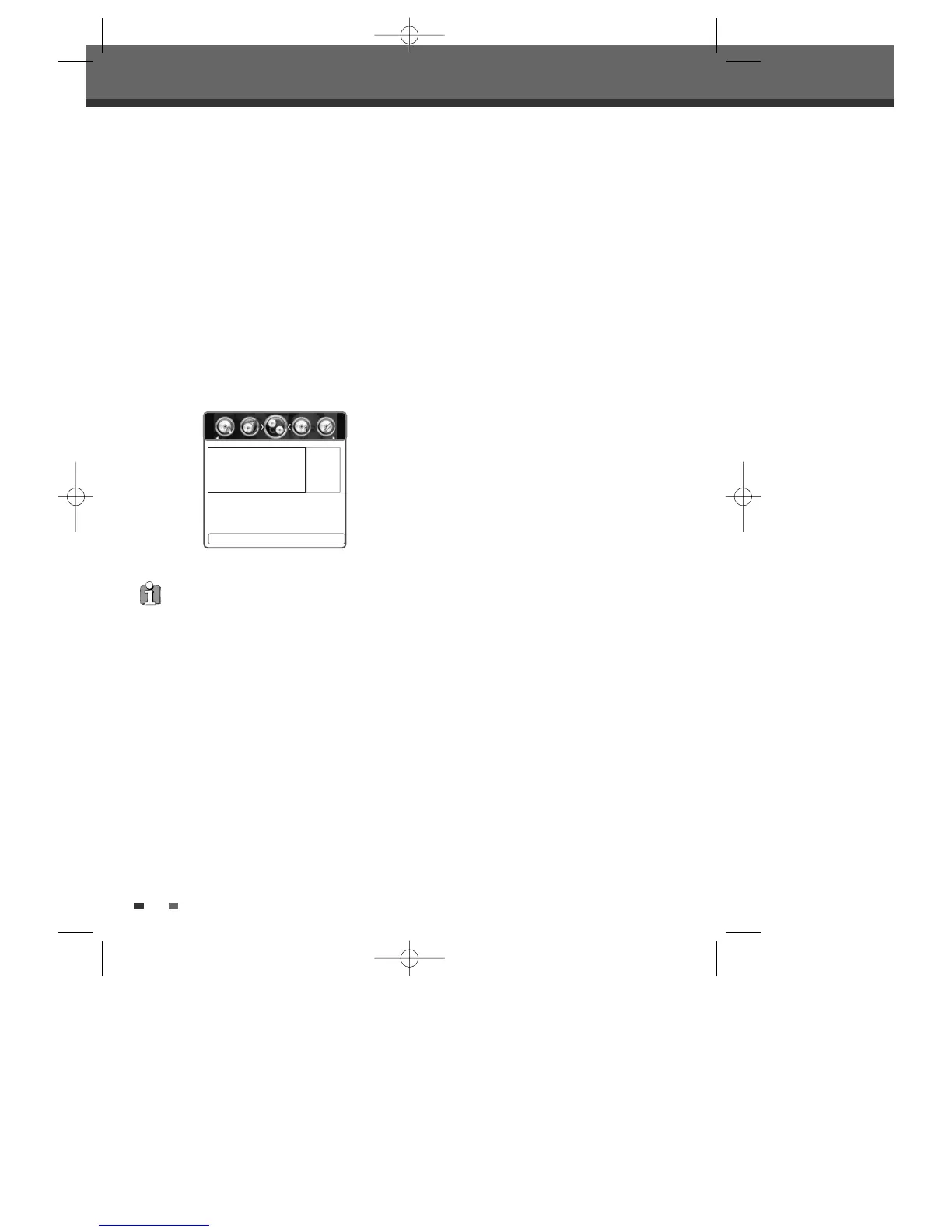
Make Compatible
'Make Compatible' for a DVD+RW will
automatically create a menu screen for navigating
the disc. This function is accessible by pressing
[DISC OP].
1
Press [DISC OP] to go to ‘Disc Operation’ mode.
2
Use [œ/√] to select ‘Make Compatible‘ menu
for a DVD+RW. Then press
[…] or [†].
3
Use [œ/√] to select ‘Yes‘ and press [OK] to
make the disc compatible.
4
After the process is finished, the recorder goes
to the ‘Information’ menu automatically.
•‘Make Compatible’ can take up to 3-4 minutes
depending on the type of disc, how much is
recorded on the disc, and the number of titles
on the disc.
• If you do not make your DVD+RW disc
compatible, your edits may not be recognized
by other DVD players.
• Some DVD+RW discs may be manufactured as
edit compatible. In this case, you will see a
message saying ‘Disc already edit compatible.
It should play on your DVD player’.
œ Yes √
Press <OK> To Confirm.
Disc Operation
Are you sure you want to make
this disc edit compatible?
DTBC-MNF(or D)1NP-AG 2007.9.11 4:18 PM ˘ `58



 To Next Page