EN
27
1ST 2ND 3RD 4TH 5TH
÷ -- / 1
A B C 2
D E F 3
G H I 4
J K L 5
M N O 6
P Q R S 7
T U V 8
W X Y Z 9
*
space – 0
ο
PRESS TIMES
KEY
1
2
3
4
5
6
7
8
9
*
0
#
Handset menu function1: PHONE BOOK
Each individual handset has its own phonebook, independent of each other handset.
Press
key and or key to select PHONE BOOK. Then press
key to con rm.
*
LIST
LCD displays LIST. The function allows the user to review the phone book record lists
through
or key.
When the desired number is shown, press
or key to dial out the number automatically.
Shortcut: In the idle mode, press
key to enter phone book list conveniently.
*
NEW ENTRY
Press or key to select NEW ENTRY item. This function allows the user to add an entry to
the phone book.
1) The cursor for the name ashes, enter the name using the numerical keys.
2) If you make a mistake, press R/CLR key to correct. Press
key to con rm
3) Enter the number and press
key to con rm
4) Press or key to select the melody to be stored and press
key to con rm.
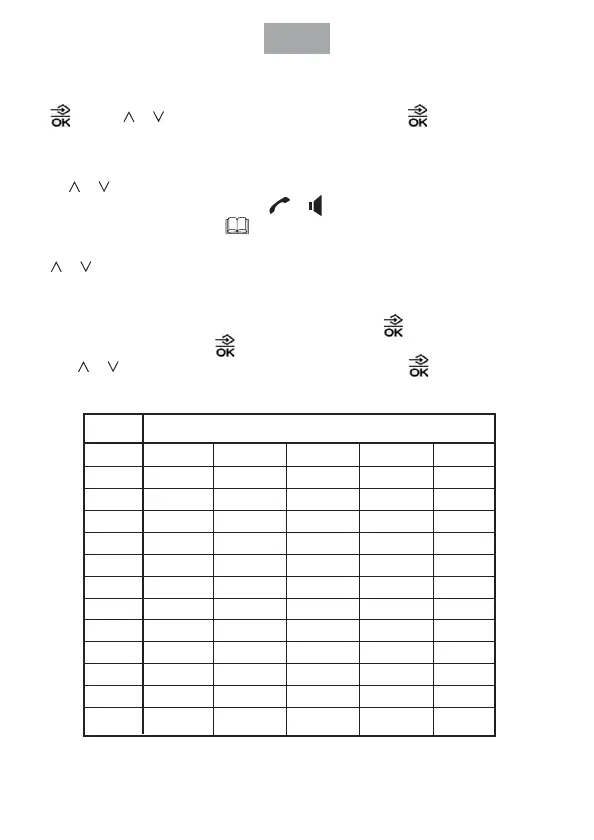
Input method as follow:



 To Next Page