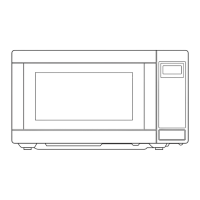
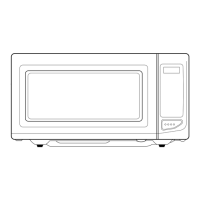
7
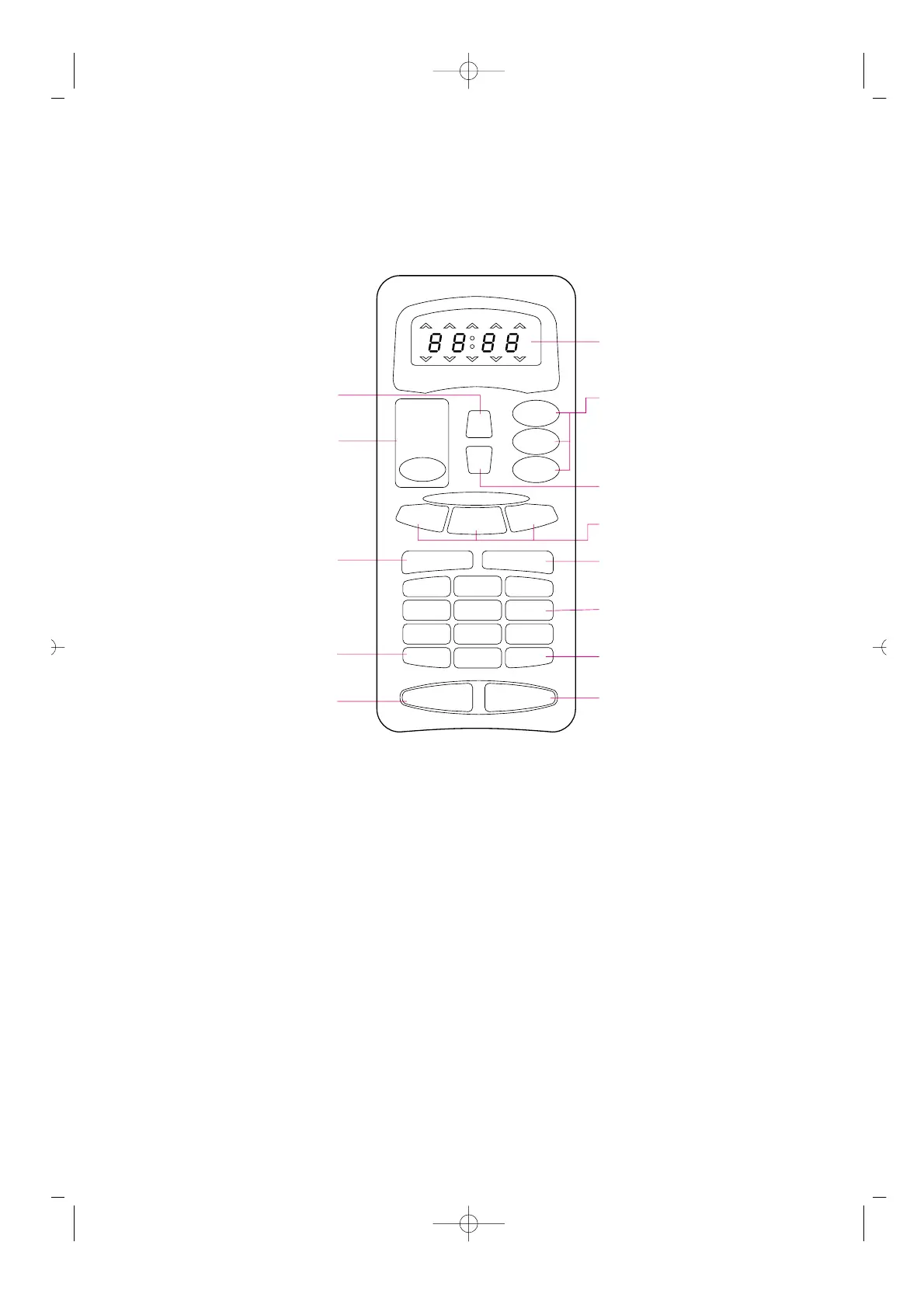
10. Time set pad - Used to set the cooking
time and the present time.
11. Display - Cooking time, power level,
indicators and present time are displayed.
12. One touch - Used to cook or reheat
specific quantities of food.
13. Auto cook - Used to cook or reheat.
14. More - Used to add time to cooking.
15. Less - Used to remove time from
cooking.
16. Auto Defrost - Used to defrost foods.(for
weight)
17. Power - Used to set power level.
18. Defrost - Used to defrost foods.(for time)
19. Kitchen Timer - Used as a minute timer,
delay cooking, hold setting after cooking.
20. Clock - Used to set clock.
21. Stop/Clear - Used to stop the oven
operation or to delete the cooking data.
22. Start /Speedy cook- Used to start the
oven and also used to set a reheat time.
FEATURES DIAGRAM (continued)



 To Next Page