User Manual
Code: NVR5232-4KS2
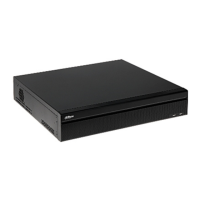
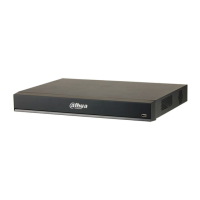
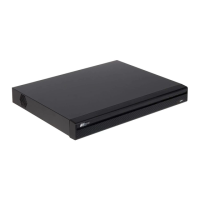
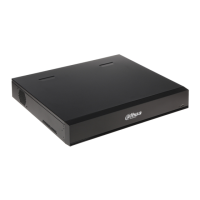
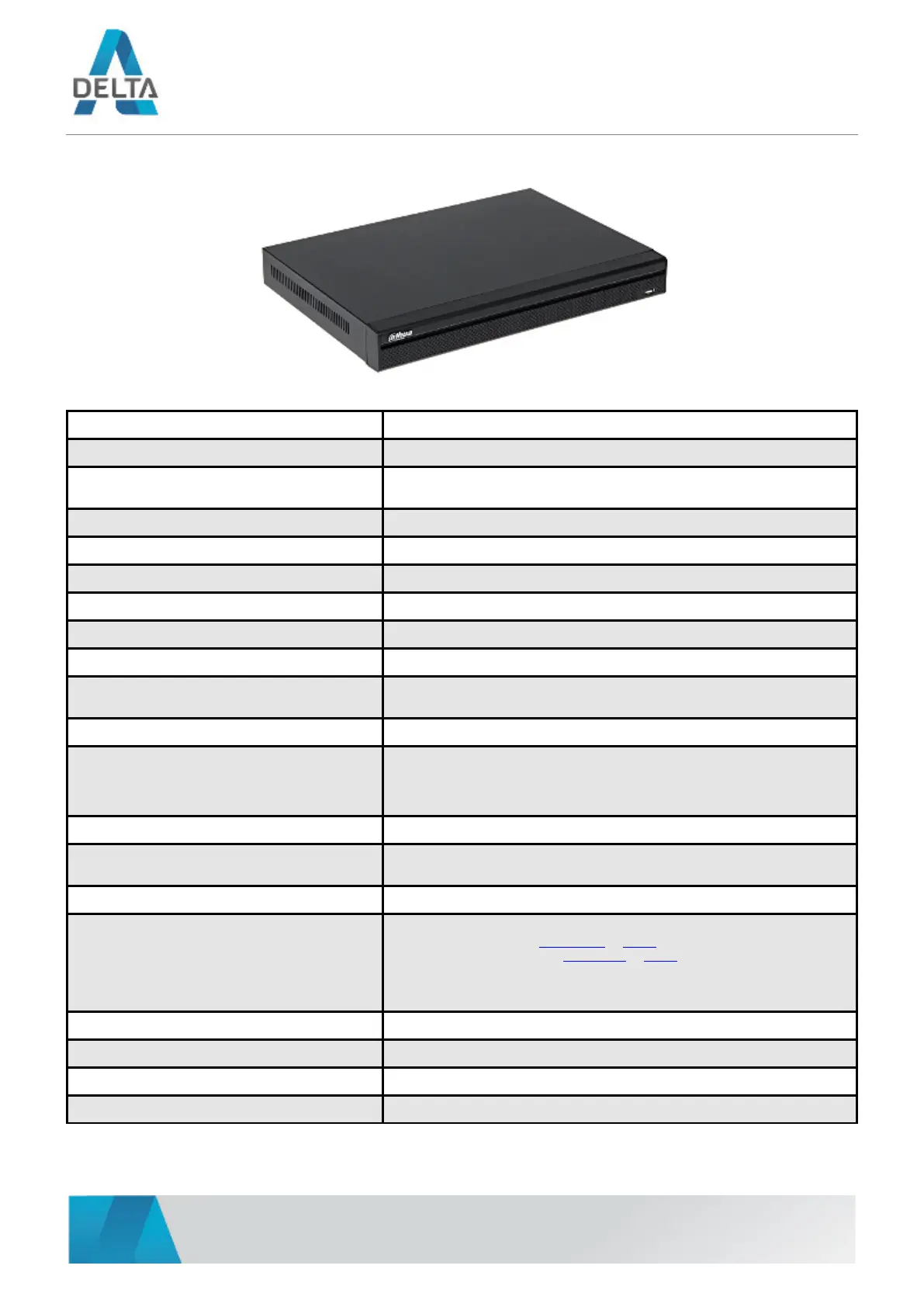
IP DVR NVR5232-4KS2 32 CHANNELS DAHUA
DELTA-OPTI Monika Matysiak; https://www.delta.poznan.pl
POL; 60-713 Poznań; Graniczna 10
e-mail: delta-opti@delta.poznan.pl; tel: +(48) 61 864 69 60
2021-06-07 NVR5232-4KS2 2/5
Standard: TCP/IP
Supported resolutions: max. 12 Mpx - 4000 x 3000 px
Video outputs:
1 pcs HDMI
1 pcs VGA
Audio support: 32 Channels - Audio from cameras
Audio inputs: 1 pcs Microphone, CINCH
Audio outputs: 1 pcs CINCH
Image compression method: H.265 / H.264 / MPEG-4 / MJPEG
Supported hard drives: 2 x 10 TB SATA III
Recording modes: Manual, Sensor, Motion detection, Schedule
Network protocols:
HTTP, TCP/IP, IPv4/IPv6, UPNP, RTSP, UDP, SMTP, NTP, DHCP, DNS, IP Filter,
PPPOE, DDNS, FTP, ONVIF 2.4
External storage devices backup: Backup to USB drive (pendrive)
Searching and playback the records:
Records searching: by time and events type. Records playback: forward, backward,
fast, slow
Advanced searching (to the one second accuracy)
All channels synchronous playback, Smart Search function
Bitrate: max. 640 Mbps
Network functions:
Full support via network, Remote records copying, Web Server built-in
max. 128 on-line users
ONVIF: 2.4
Mobile phones support:
Port no.: 37777 or access by a cloud (P2P)
• Android: Free application gDMSS Plus or DMSS
• iOS (iPhone): Free application iDMSS Plus or DMSS
See how to configure the P2P function in Dahua recorders and how to enable the
mobile application
Default IP address: 192.168.1.108
Default admin user / password: admin / admin
Web browser access ports: 80, 37777
PC client access ports: 37777


 To Next Page
 Loading...