ENGLISH
1
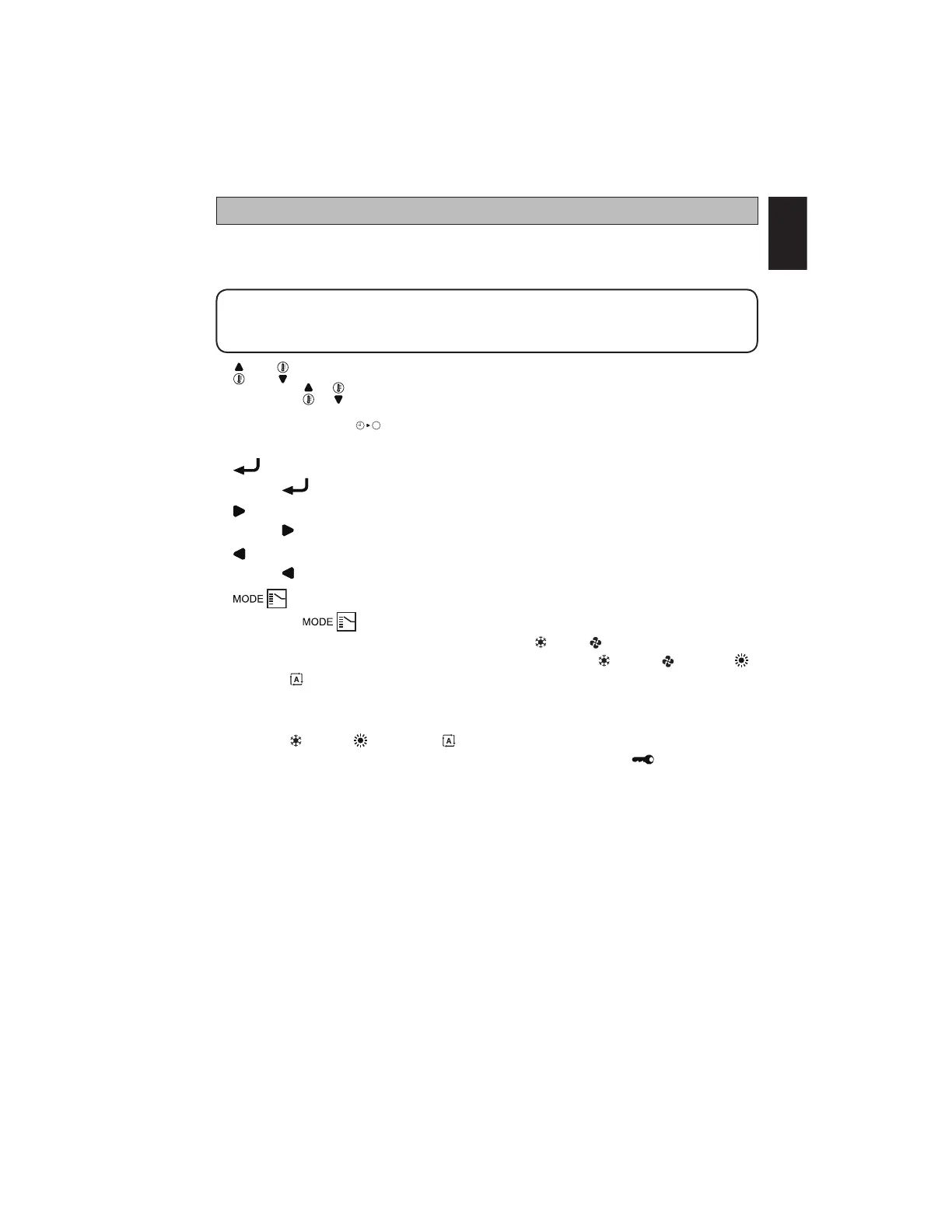
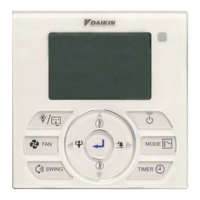
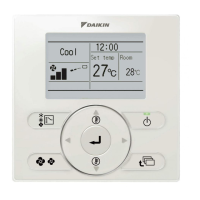
1. f Button
•
Press once to start the air conditioner unit.
•
Press again to stop the unit.
! CAUTION
In the case when the ON/OFF key is pressed immediately after the operation is stopped, the
unit will not restart until 3 minutes later to protect the compressor.
2. and Button
•
Press the or button to increase or decrease the set temperature.
•
Pressing ECO and
DELAY
button simultaneously to toggle the temperature setting between °C
and °F.
3. Button
•
Press button to save selection of choices during setting.
4. Button
•
Press button to move to the right choices of function.
5. Button
•
Press button to move to the left choices of function.
6. Button
•
Press the button to select the type of operating mode.
•
For cooling model, the available modes are: COOL ( ), FAN ( ).
•
For heat pump model, the available modes are: COOL ( ), FAN ( ), HEAT ( ),
AUTO ( ).
7. ECO Mode
•
Press the ECO button to select the energy saving function. This option is available for
COOL ( ), HEAT ( ) and AUTO ( ) modes.
•
Press the ECO button continuously 3 seconds to activate or inactivate Key Lock function.
Only f button can be pressed during Key Lock activation.
OPERATING INSTRUCTION
Original Instruction
1-OM-BRC51D-1117(0)-DAIKIN-EN.in1 1 5/31/18 9:14:41 AM



 To Next Page