User’s Manual EM11A015B
intelligent Touch Manager
211
(9)
(10)
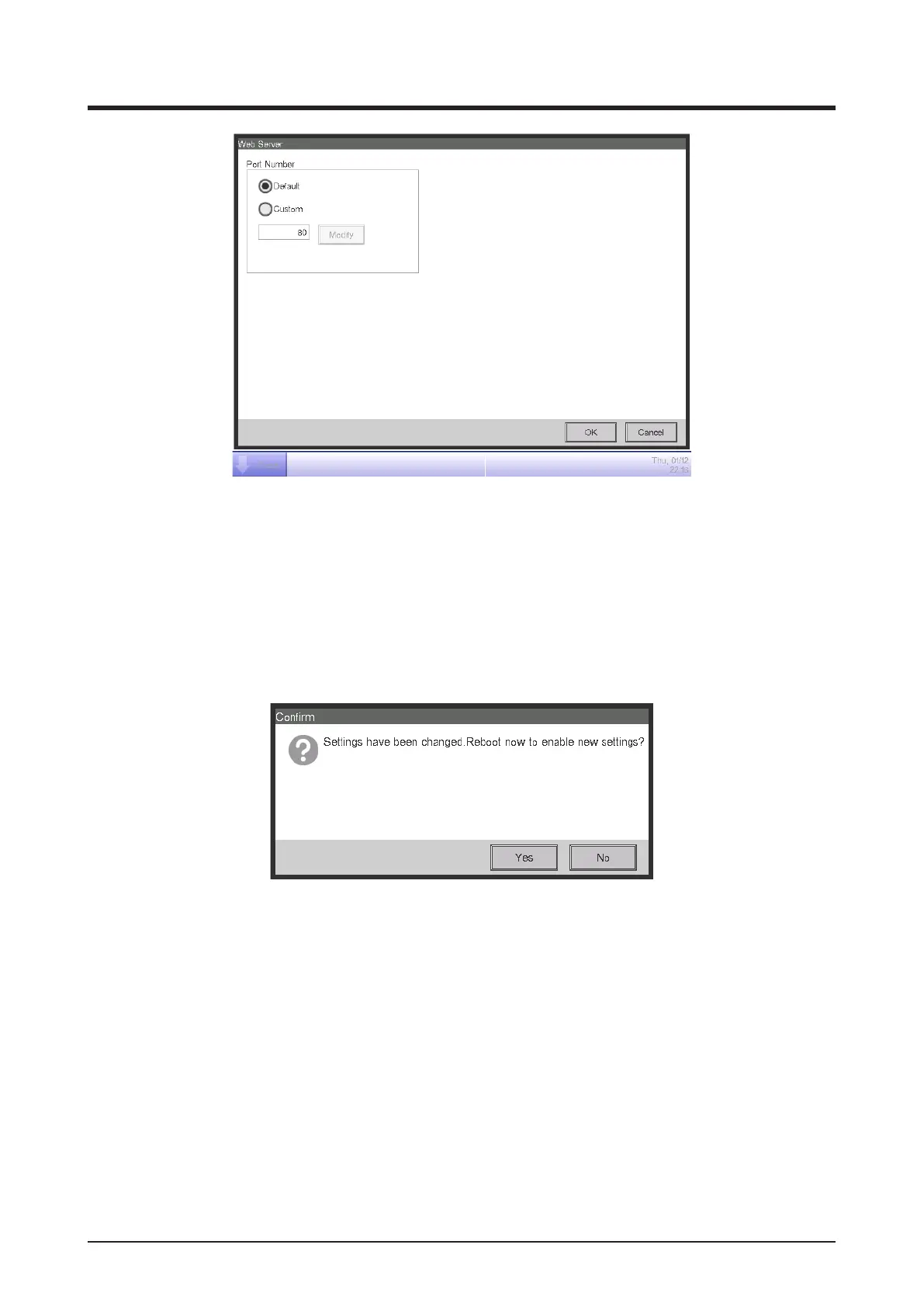
Select (9) to use the default port 80.
Selecting (10) displays the port number 8080. Touching the Modify button allows you change the
settings in the Numerical Input dialog that appears.
Touch the OK button to close the screen.
The range of possible input port number, see “Appendix (1. iTM Monitoring Control Functions)”.
4. When nished, touch the OK button. A conrmation dialog appears.
5. A restart conrmation message will be displayed. Touch the Yes button to reect the setting and
restart the iTM.



 To Next Page