User’s Manual EM11A015B
intelligent Touch Manager
240
• Setting up the Energy Group
(14)
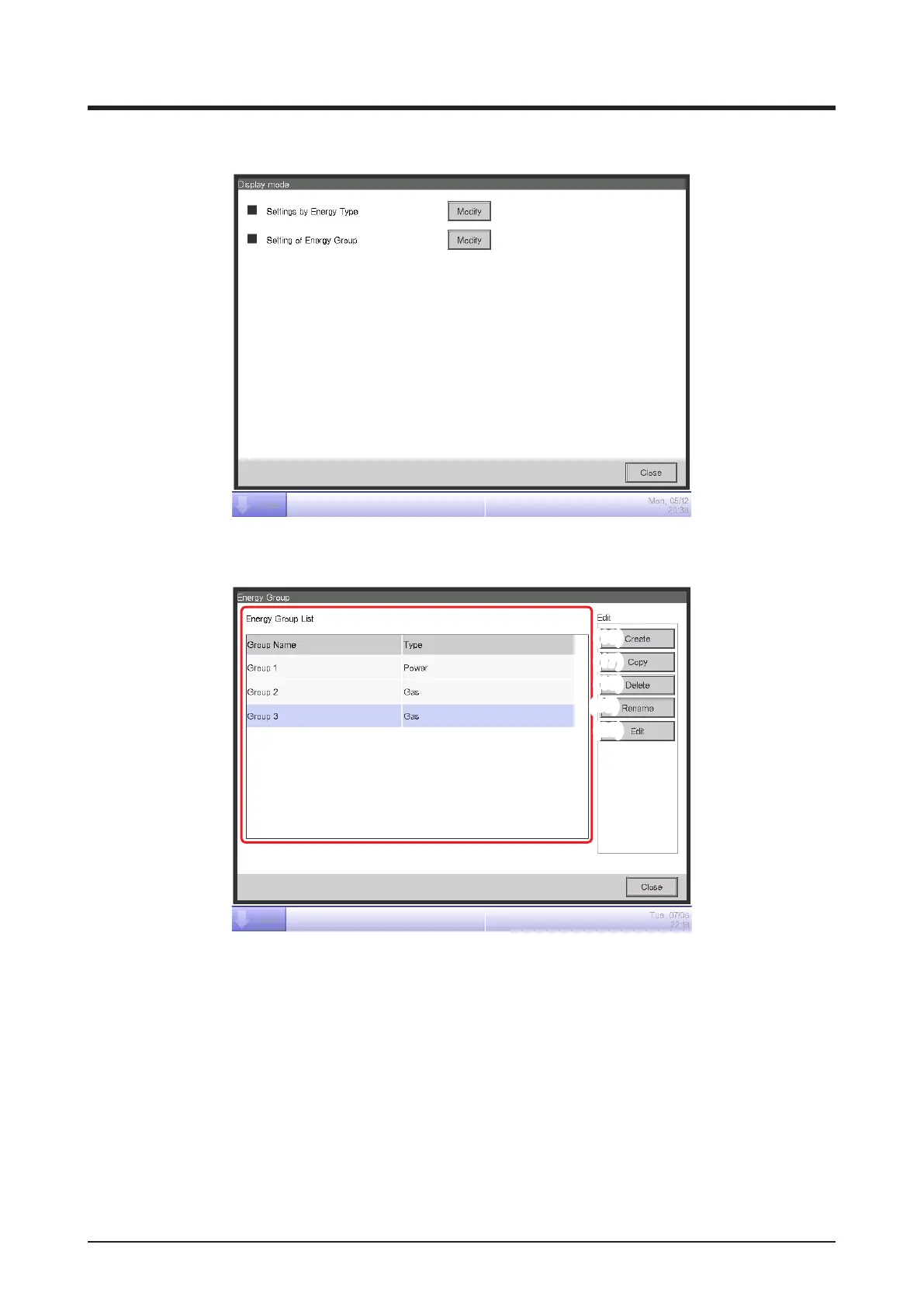
To set up energy groups, touch the Modify button (14) to display the Energy Group screen.
(15)
(16)
(17)
(18)
(19)
(20)
Set up the Energy Group target of energy budget/actual management.
(15) is the list of Energy Groups.
Perform the intended operation by touching the relevant button on the right.
(16) Create button
Creates a new Energy Group. You can create up to 30 Energy Groups.
Enter a name in the Name Input dialog that appears. Touch the OK button to register the name
in (15) as a new Energy Group.
You can name the Energy Group using up to 16 characters.


 To Next Page
 Loading...


