User’s Manual EM11A015B
intelligent Touch Manager
51
(3) Mo
Select and set a MultiState value for Mo.
The MultiState value set on the screen is set up during the trial.
You cannot set MultiState in the area.
NOTE
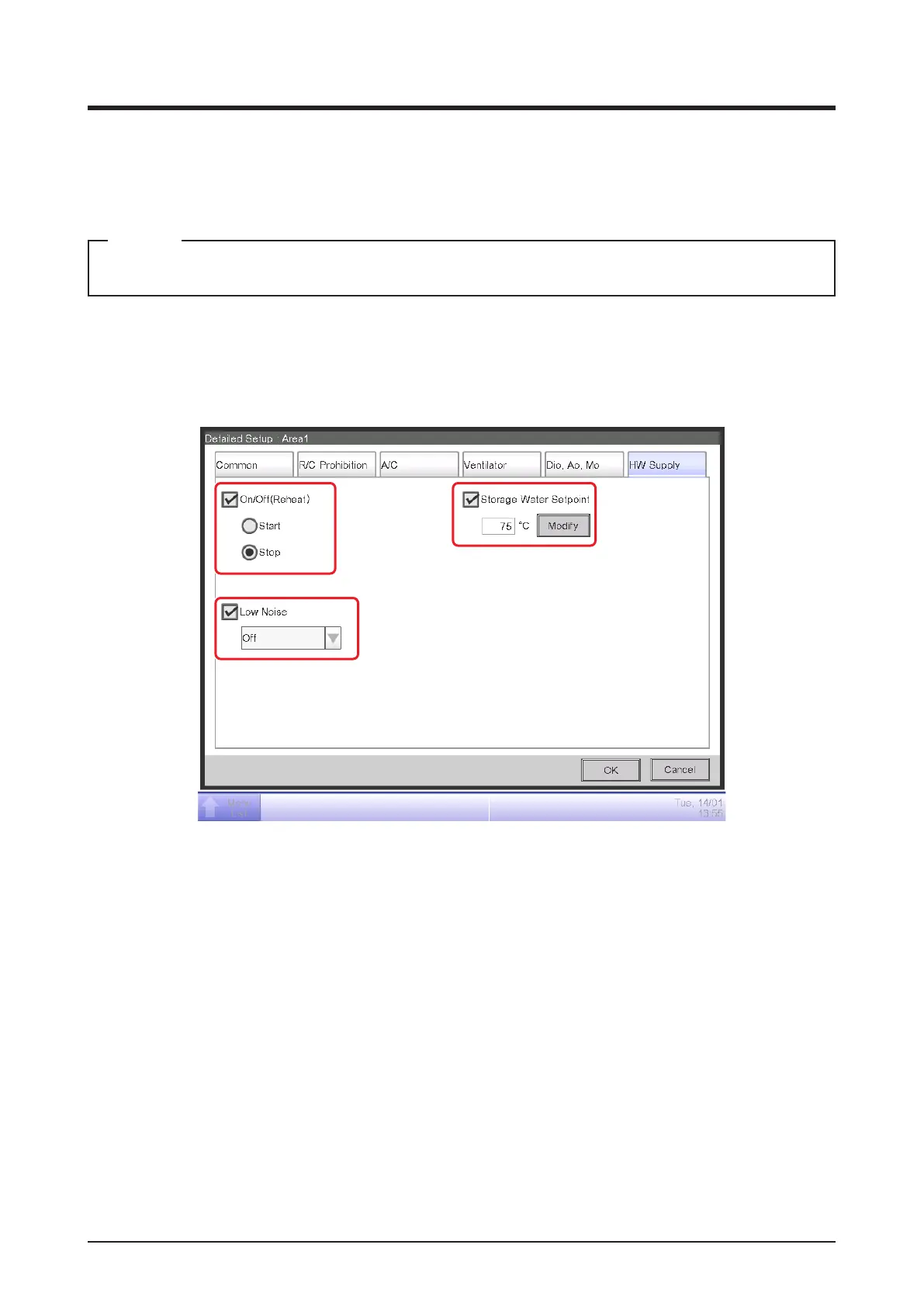
• HW Supply Tab
Sets up the Hydrobox
Change settings by selecting the relevant check boxes.
(1)
(2)
(3)
(1) On/Off (Reheat)
Sets up whether starting/stopping.
Start : Reheat start
Stop : Reheat stop
(2) Low Noise
Enables or disables the Low Noise function.
(3) Storage Water Setpoint
Sets up the Storage Water temperature.



 To Next Page