35
Main Menu Buttons -
Information
This button contains valuable
service and system runtime
information.
Information
Who To Call For Service
Your service company’s contact information is
displayed here.
Dealer’s
Logo
here
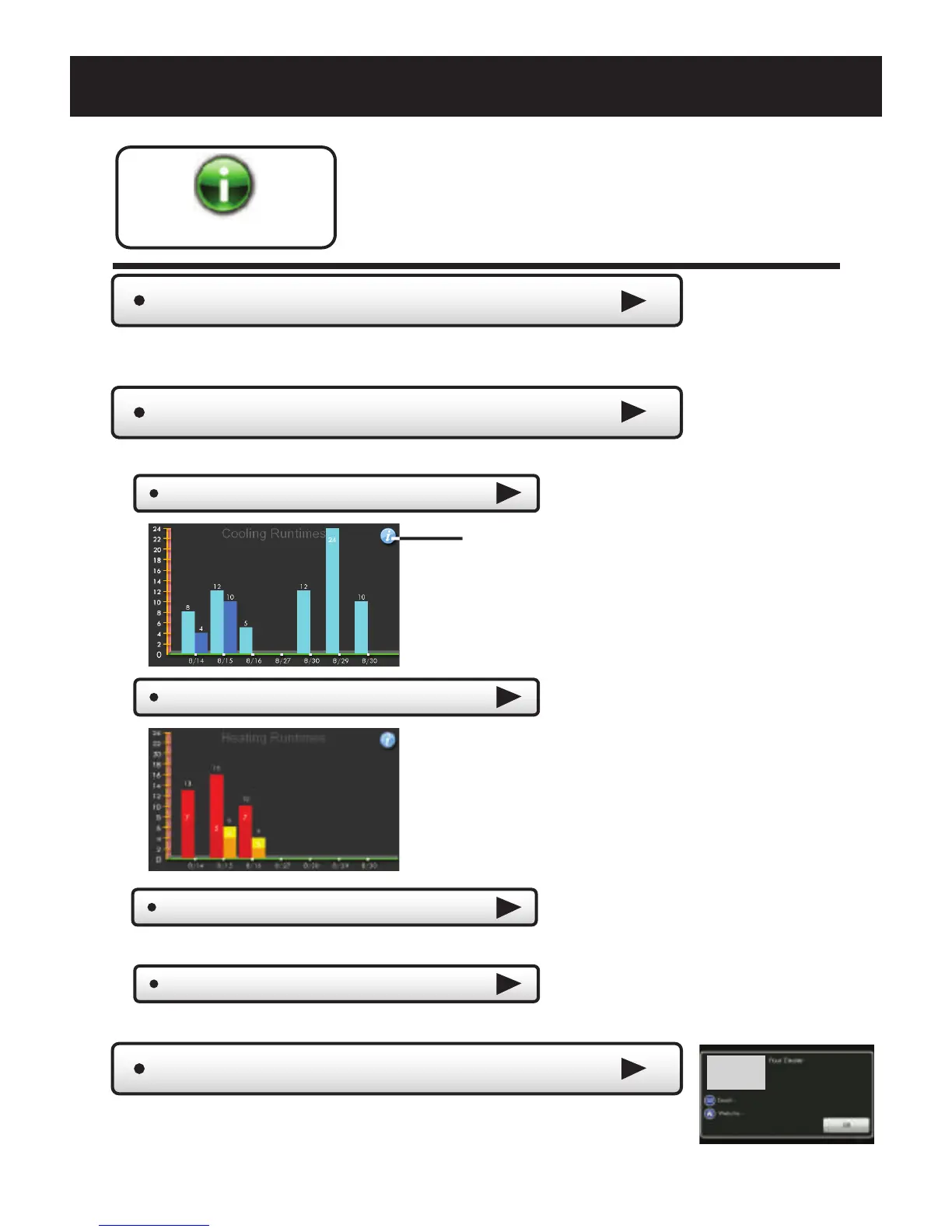
View Runtime Graphs
Last 7 Days - Cooling
Last 7 Days - Heating
Track your system’s runtime/energy usage.
Press the information
icon to learn more
about each graph
Press anywhere on the screen
to return to the submenu.
My Thermostat
View your thermostat dip switch settings, equipment status,
runtimes, and other settings.
Delete Runtime Data
Press to delete your current equipment runtime information.
*NOTE: The runtime
graphs are updated
at 12:00 AM each day.
Last 7 Days - Override
Press to view a graph of override runtime information.



 To Next Page
 Loading...