Import Settings from SD Card
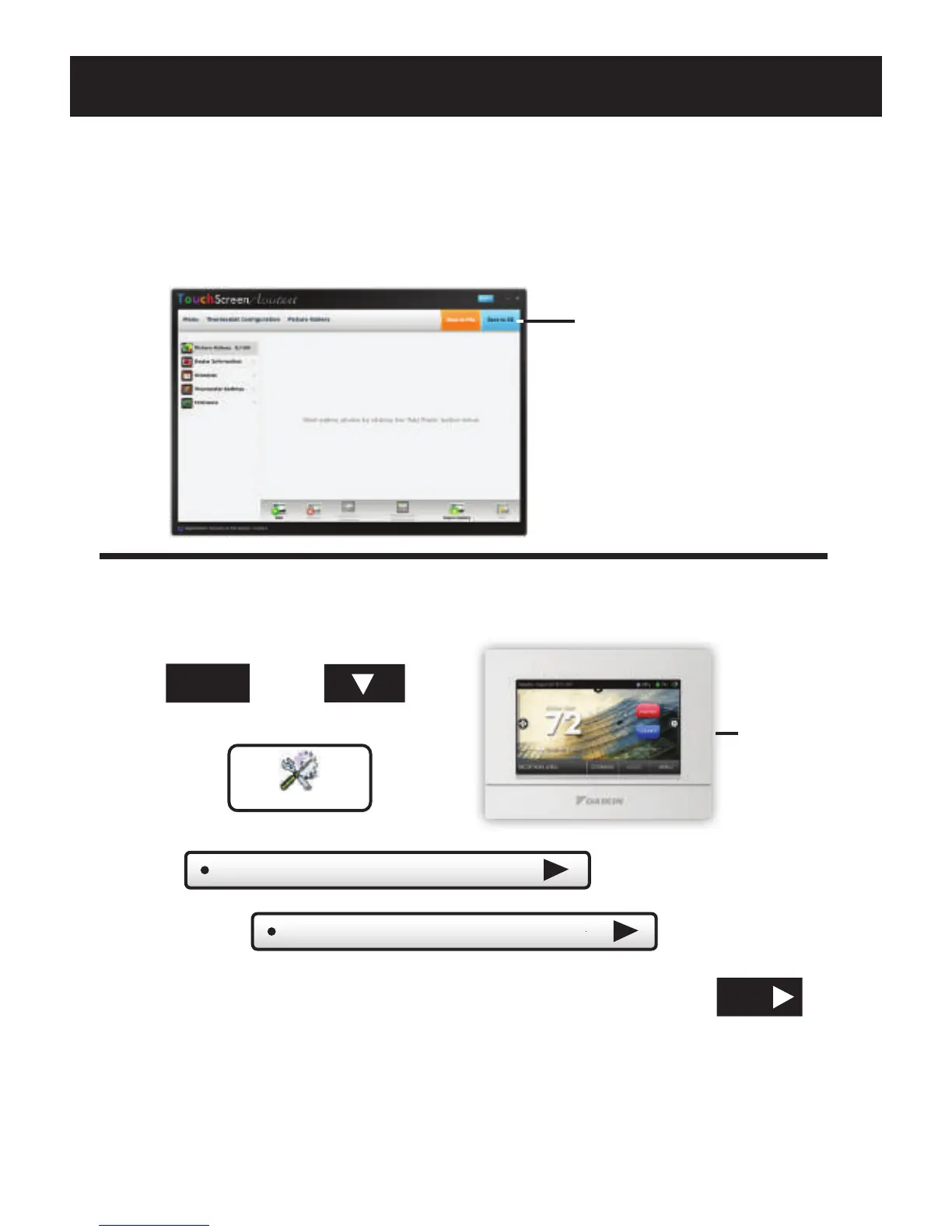
When you are finished adding and editing photos and settings,
click on Save to SD. When prompted, remove the SD card
from the SD card reader on your computer.
Save to SD
SD Card
Slot
At the thermostat:
Press
then
Settings
SD Card
Insert the SD card into the SD Card Slot.
Next, press
Press
Then press
Select the items to import into your thermostat then press
NEXT
*NOTE: A 2GB SD card
is recommended.
MENU
Yo ur thermostat will automatically save your new photos and
settings in it’s internal memory. When finished, you may remove
the SD card. It is not needed for normal thermostat operation.
The TouchScreen Assistant



 To Next Page
 Loading...