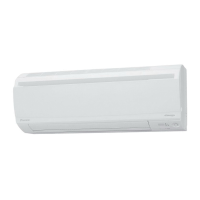
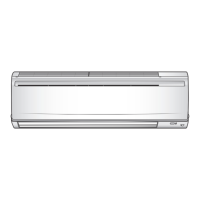
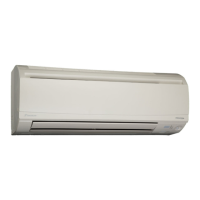
Removal of Air Filters / Front Panel Si04-955
2 Removal Procedure
1. Removal of Air Filters / Front Panel
Procedure Warning Be sure to wait for 10 minutes or more after turning off all power
supplies before disassembling work.
Step Procedure Points
1. Appearance features
Warning
Dangerous: High voltage
A high voltage is applied to all
the electric circuits of this
product including
thermistors.
When the signal receiver
catches a signal from the
remote controller, the
receiving tone sounds and
the operation lamp blinks
immediately to confirm the
signal reception.
When the [ON/OFF] button
is kept pressed for 5
seconds, the forced cooling
operation is performed for
about 15 minutes.
2. Remove the air filters.
1
Open the front panel to
the position where it
stops.
2
Lift the air filter upward
slightly by the center
knob, and then pull it
out downward.
The air filter is not marked
for difference between the
right and left sides.
Insert the air filter with the
"FRONT" mark faced up.
The air filter can be set
easily by inserting it along
the guides.
Be sure to insert the hooks
(at 2 lower positions) when
mounting the air filter.
Room temperature sensor
(thermistor)
(R5323)
Operation lamp
Timer lamp
[ON/OFF] button
Signal
receiver
(R15466)
Front panel
(R5325)
Air filter
(R5326)


 To Next Page
 Loading...