2
Daisy Rapid Connectivity
Teletonika RUTX50 quick start guide
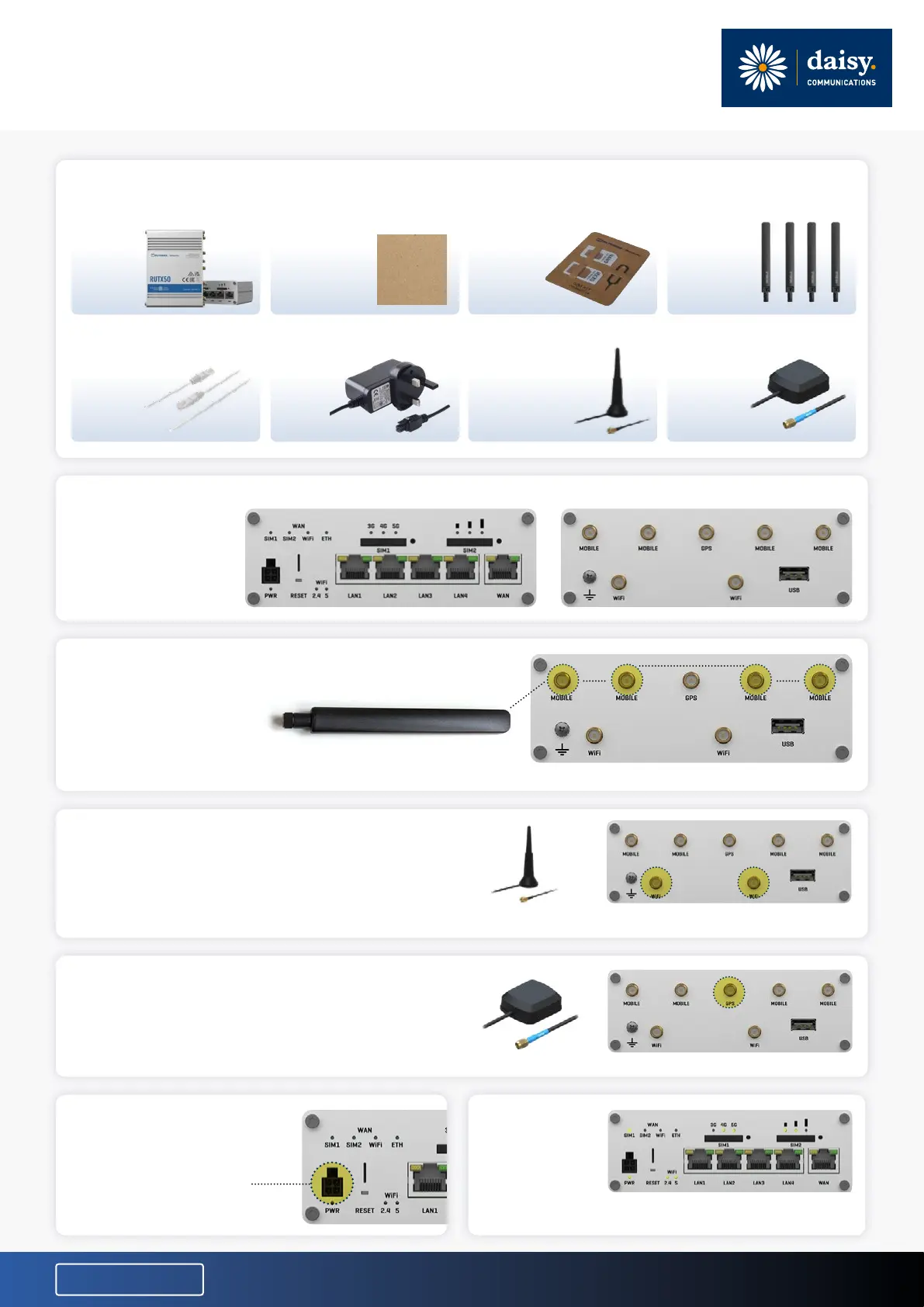
What’s in the box?
Ethernet
cable
Plug Wi-Fi
antennas
x2
GNSS
antenna
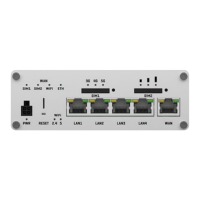
Front view Rear view
› Connect the power cable
connector into the power
port on the front of the
router and power the
router on.
› The router
should light up
and show light
up as shown.
› Install the two Wi-Fi antennas onto the two
Wi-Fi connectors on rear of the router.
› Install the GPS Antenna onto the GPS connector
on the rear of the router.
CONNECTIVITY
Router view
MOBILE ANTENNA (x4)
WI-FI ANTENNA (x2)
GPS ANTENNA
MOBILE CONNECTORS (x4)
WI-FI CONNECTORS (x2)
GPS CONNECTOR
RUTX50
RUTX00
router
Quick start
guide
SIM
adapter
kit
Mobile
antennas
x4
› Install the four mobile antennas provided with the router onto
the four mobile connectors found on the rear of the router.


 To Previous Page
 Loading...