11
You do not want to normal the inputs and outputs from the compressor to
each other. This will create a feedback loop. Converting a half-normal
module to a non-normaled module is sometimes as simple as rotating the
module in the patch bay. See the manual for your patch bay.
Cables Needed:
XLR Male to ¼” TRS Male
(1) XLR Female to ¼” TRS Male
Steps:
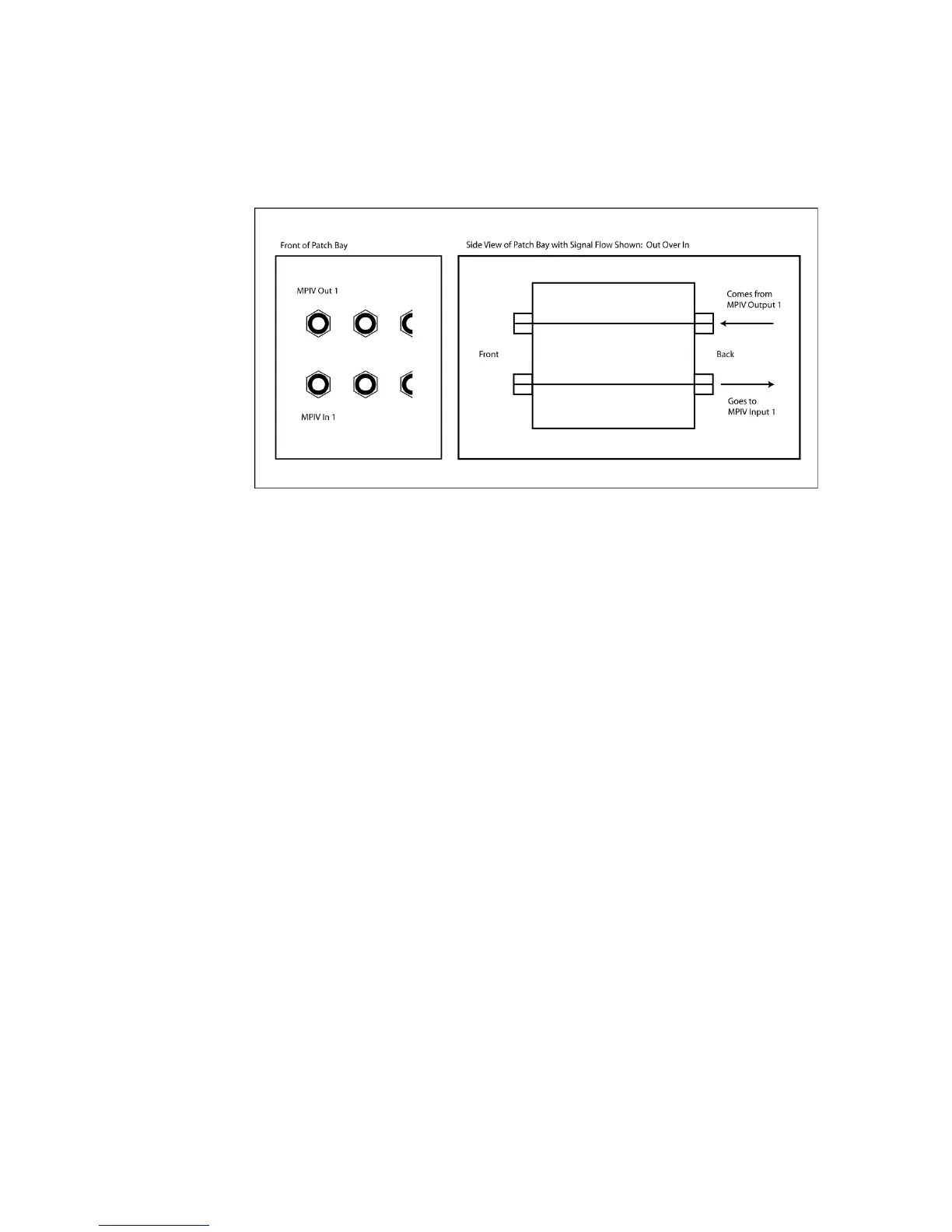
1. Patch from the bottom back jack on the patch bay module to an input
on the MPIV using the ¼” TRS to XLR Male cable.
2. Patch to top jack of the patch bay module from an output of the Mic
Pre One using the XLR Female to ¼” TRS cable.
3. Now you can patch into a mic pre from the front of the patch bay.
Simply run a patch cable from your source microphone and into the
bottom jack on the module and then run from the top jack on the
module to wherever the signal needs to go.



 To Next Page