4
2
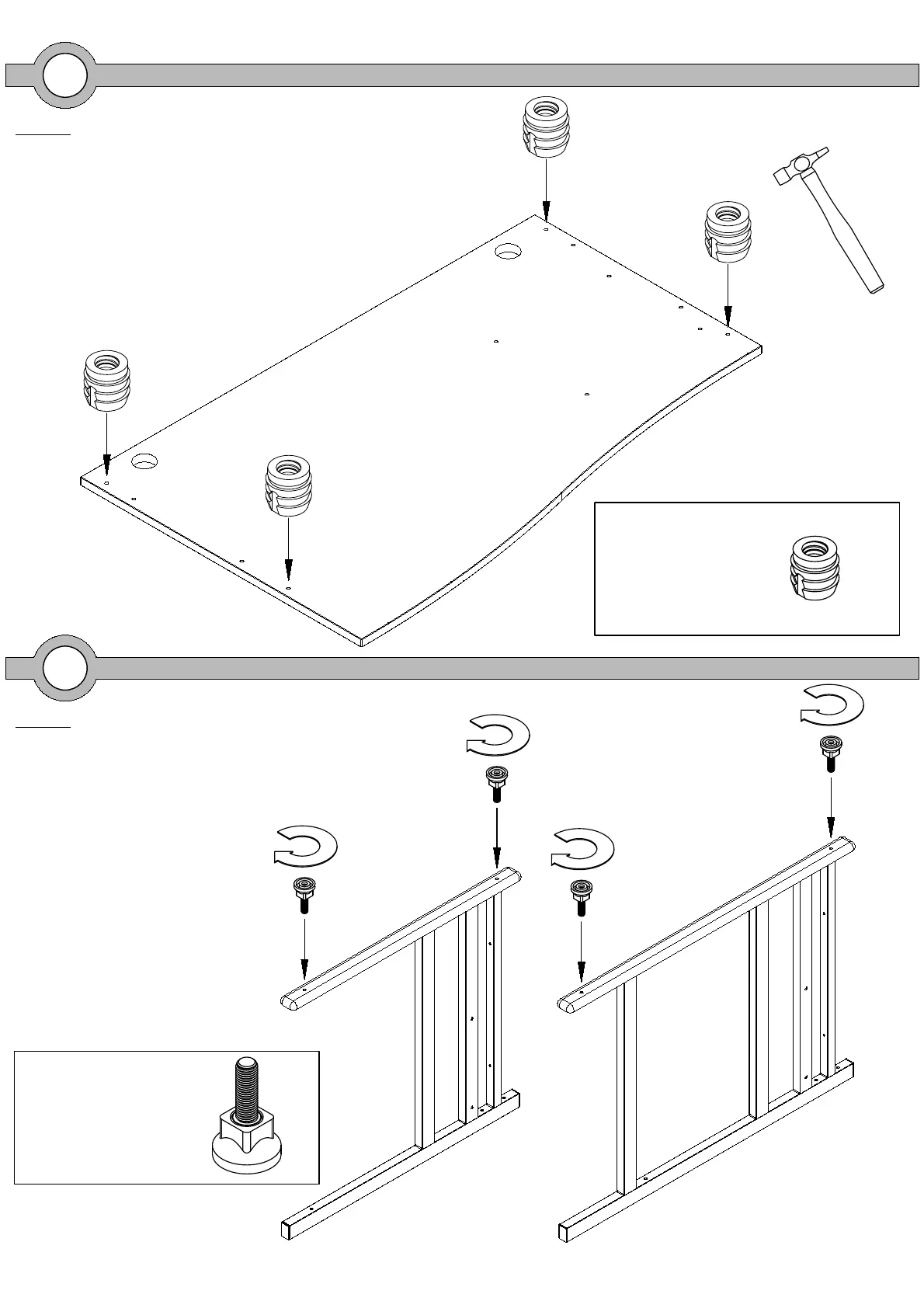
Step 2
Screw the 25mm adjustable
feet into the bottom of both
leg frames.
1
Step 1
Place your desktop face down onto a
clean dry surface and knock in the
nylon inserts into the pre drilled holes
on the underside of the desktop.
RM-PAR05
Nylon M6x10 Socket
x4
RM-FRL20
Adjustable Foot Dia 38mm
x4



 To Next Page