13
(Please note that the setting values from 4 to 7 are highly
sensitive.)
The number "1" indicates that the VOR function has the
lowest sensitivity. Therefore, when recording, even if the
sound volume is a little low (1 m or more), the recording will
not be stopped immediately and it is possible to continue
recording. (Please note that the setting values 1 to 3 have
low sensitivity.)
A value of 2 is usually recommended for the VOR function
setting value. However, the customer can change the set
value according to their own needs, so set the set value
according to their own needs.
Also, considering the specifications of the VOR function,
it is recommended to turn off the VOR function so that you
do no t m iss im por t ant me eti n g c ont e nts in the c ase of
meetings, etc.
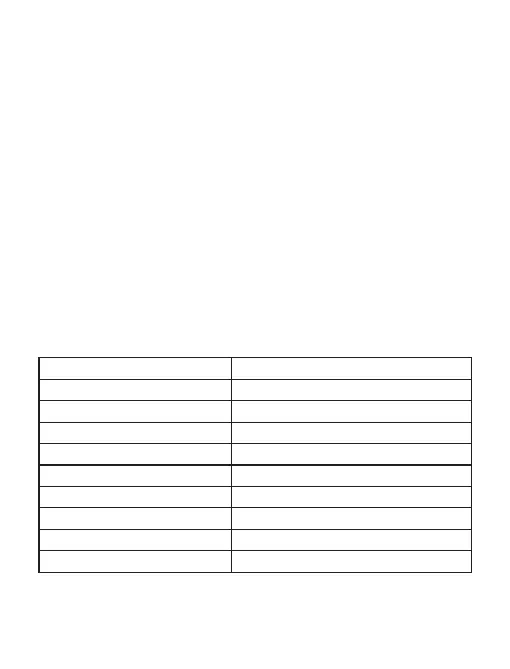
Product specifications
Dimension
Weight
Recording Format
Recording Capacity
WAV
180 hours (16GB)
Continuous recording
Charging time
Recording bit rate
Frequency
Microphone
Operating temperature
20 hours
2hours
192Kbps
20-20KHZ
Omnidirectional microphone
-10°-- 40°
0.69*0.46*2.56 in
0.04 Ib (18g)
Note: The recording file time and continuous recording time
differ depending on the recording bit rate.


 To Next Page