DS 301 RX WIFI
3.4 Here you have to enter the region and phono number of the user.
3.5 Click on “Done” to finish.
4. Deleting the stored data in the memory card:
If button S1 or S2 is pressed for few seconds the corresponding LED
will remain on. Keep the button pressed until it turns off, then the data
will be completely deleted (remotes and connected devices).
ATTENTION: The deleted data cannot be recovered.
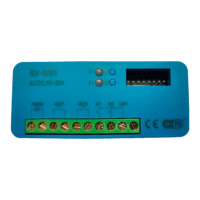
5. Picture of the product
Location of the LEDs and buttons.


 To Next Page
 Loading...