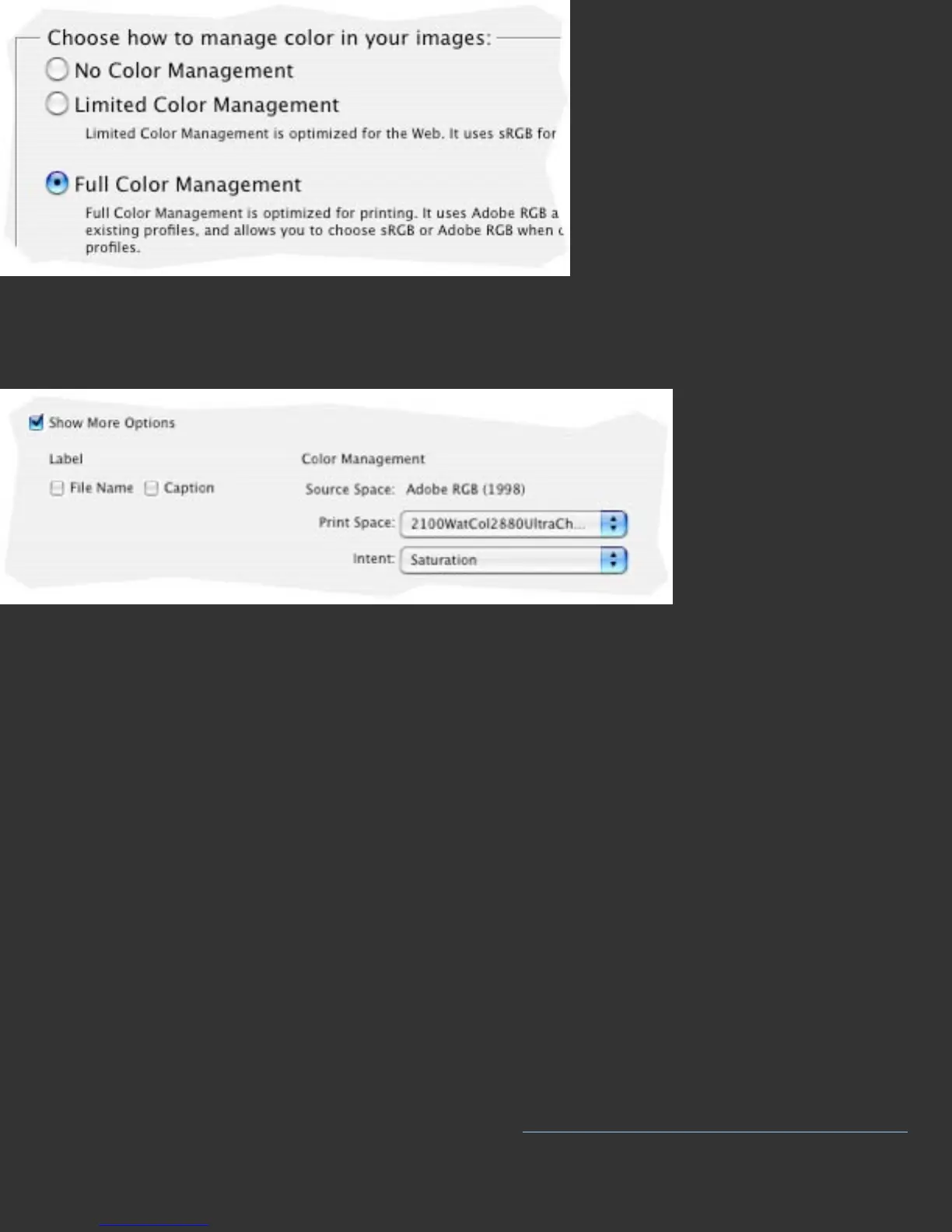
To print from Elements use the Print command, and choose Show More Options at the
bottom of the main print page, then under Color Management set the Print Space to
your custom printer profile for printing your work.
Settings in Other Applications
Color managed applications offer some type of setting for choosing an output or
printer profile. This is where you will choose your custom profile, once it is built.
Please note that non-color managed applications, ones that do not offer a printer
profile choice when printing, cannot be used directly with ICC printer profiles. If you
use such an application, consider alternative applications that offer color management,
at least for your printing needs. Adobe Photoshop Elements® (Mac and Windows) or
ACD PhotoCanvas® are examples of low cost applications that offer simple color
management.
Further Information
For information such as a list of Frequently Asked Questions and details on all
Datacolor products be sure to visit our website:
http://www.datacolor.com/Spyder3


 To Next Page
 Loading...