The only user selectable item in the above HP driver is media type, with a selection of
media that HP considers appropriate for laser printer uses. Users would want to
experiment with a range of these media types, to determine which one might be
optimal for the media in use. For laser printers, different media settings may effect
feeding of paper thicknesses more than they effect color densities.
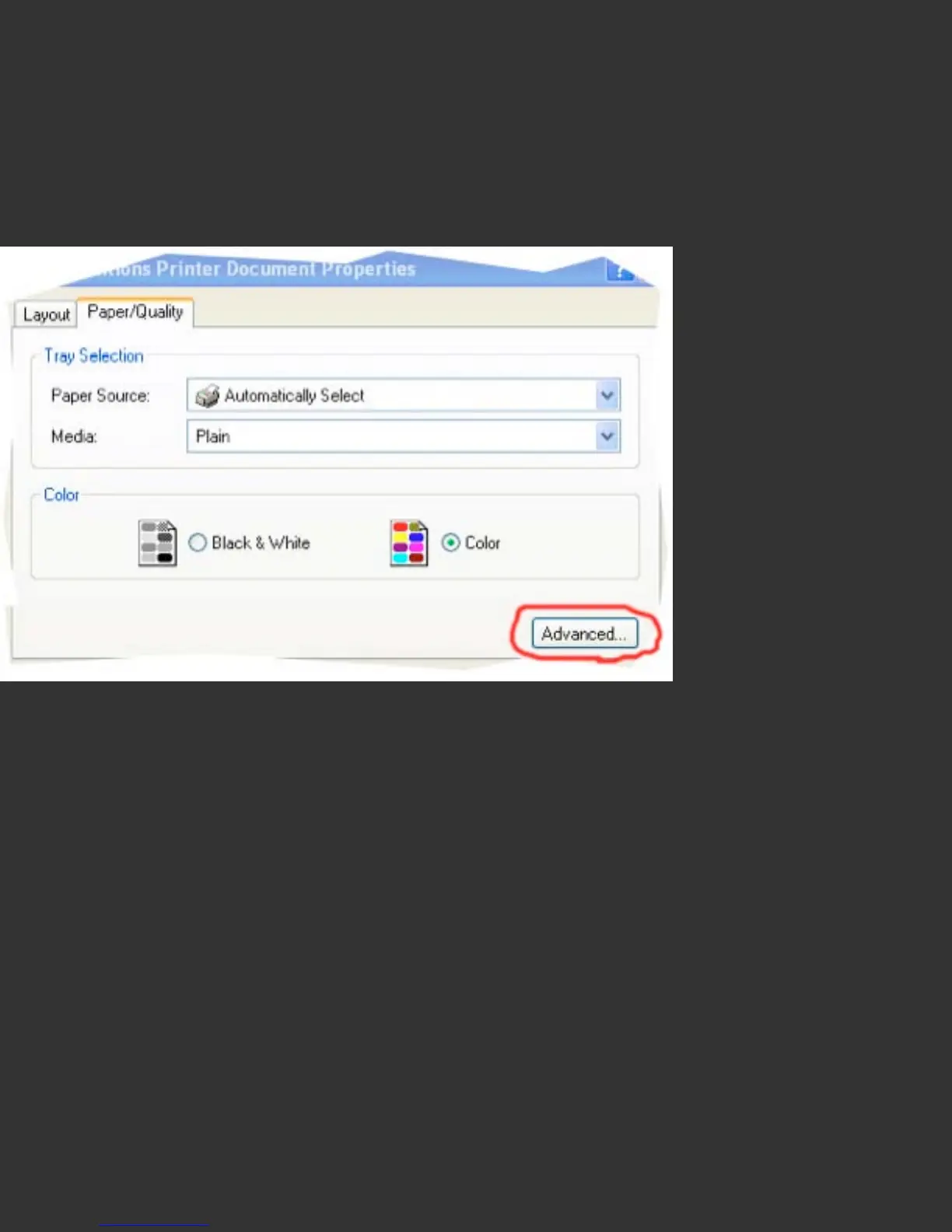
Windows driver settings can be in a somewhat different driver location.
They occur in the ‘Advanced Printer Options’, accessed from the ‘Advanced’ button in
the main printer driver window. Under Windows Vista printers options are no longer
configured from Page Setup, but from Print, similar to how it works on the Mac.


 To Next Page
 Loading...