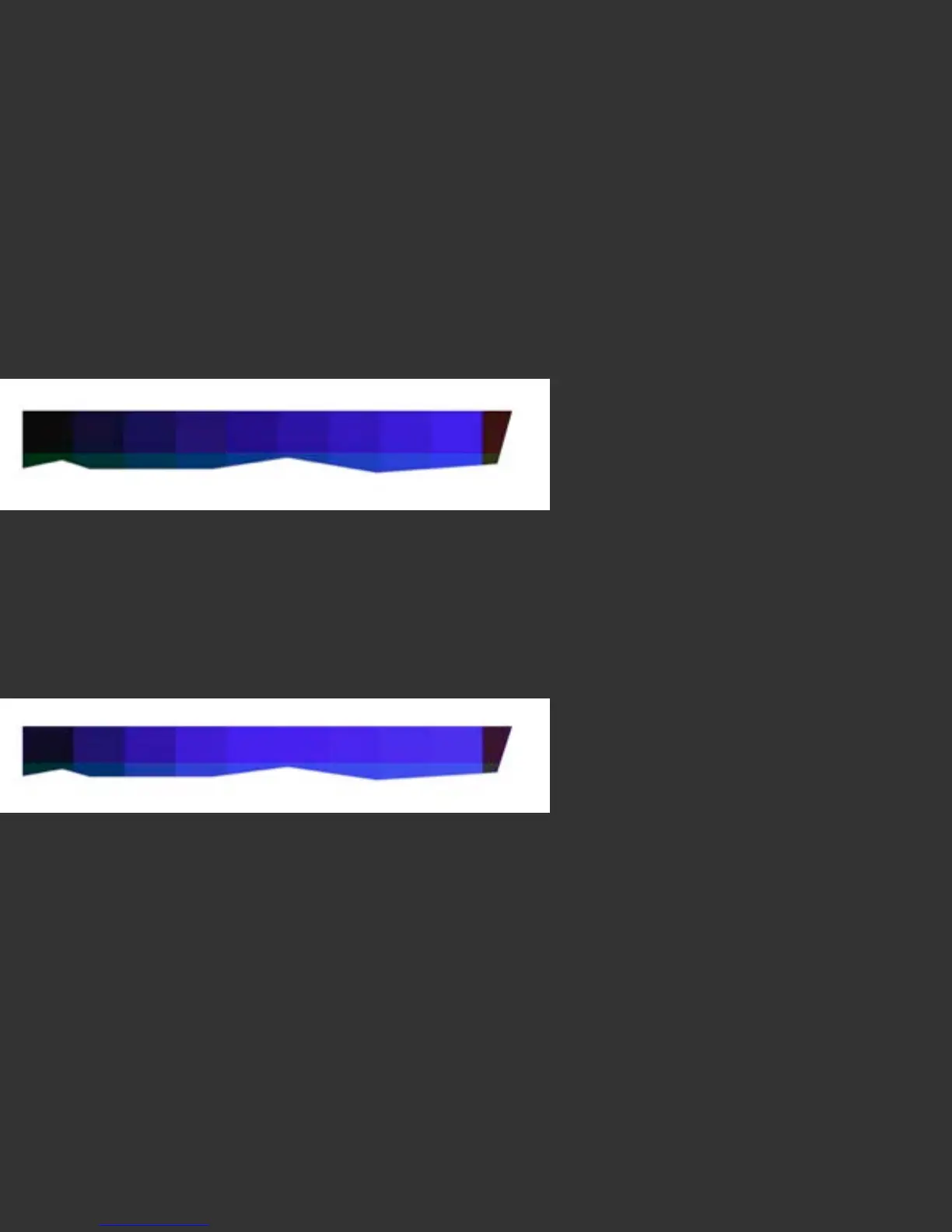
Comparing Settings: Compare a range of media settings. Look for the following
elements:
• Bright primary colors, without overinking
• Good color range and brightness in other colors in the image
• Good gradation from Primary colors into the rest of the color space.
This image shows a good gradation from Blue to Black, with distinct patches
throughout.
This image shows a problematic gradient from Blue to Black, with excess inking, which
causes several of the patches to print full Blue, with no visible steps. A media setting
that causes results such as this is best avoided, even though it offers bright primaries.



 To Next Page