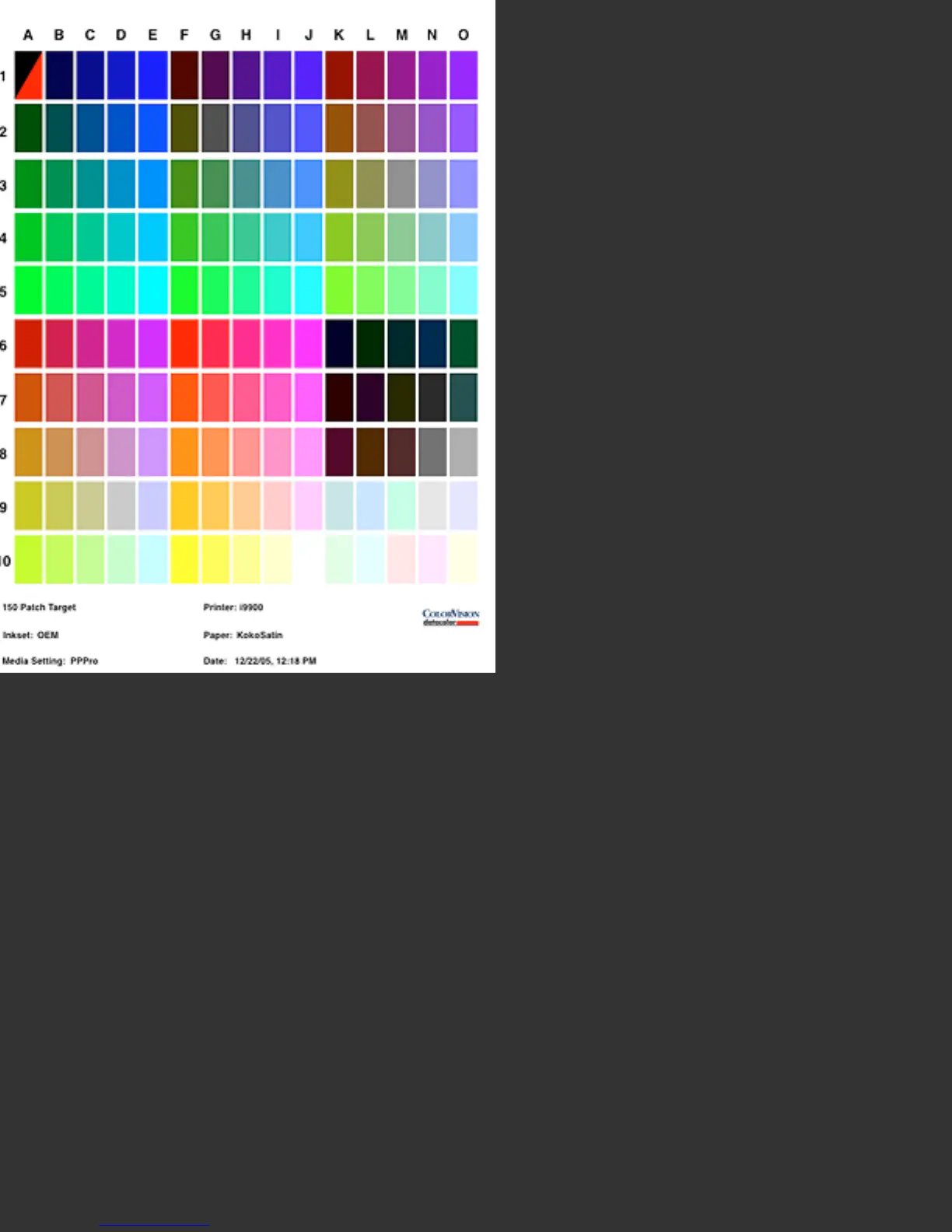
150 Patch Target formatted for A4 Portrait Orientation. Note that the patches are tall
and narrow, which is undesirable for reading along the rows. Changing to landscape
orientation in Page Setup would correct this problem.
Full Size: This button allows the user to view an enlarged version of the formatted
target. Using the arrow keys, the RGB values of each patch can be previewed in this
larger window as well. Clicking on the small, embedded, preview will also pop-up this
enlarged view.
Page Setup: This button allows the user to change the size or orientation of the
target print, by accessing the OS level Page Setup utility for your printer. For most
targets Letter or A4 pages oriented in a Landscape mode are recommended. For the
729 Patch one page target, 13 x 19, SuperA3/B or larger sheets are necessary. For


 To Next Page
 Loading...