Datascan,LP‐2210HuttonDrive,STE100‐Carrollton, Texas75006USA‐+18664414848
PoweringOntheDevice
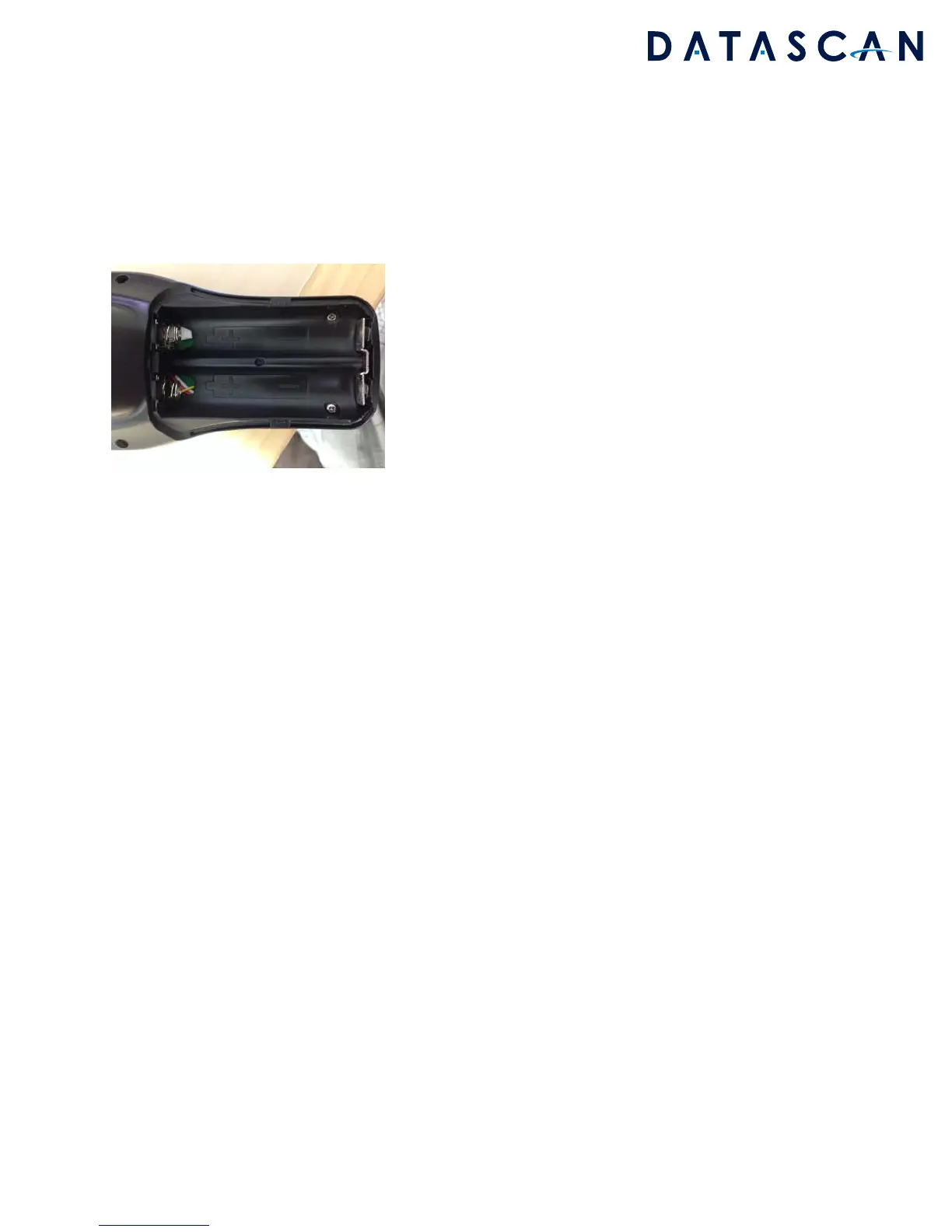
Batteriesshouldbeinsertedmatchingtheorientationetched
onthebottomofthebatterycompartment.
BatterySpecifications:
3.7V18650LithiumPolymerBatteries
OnlyuseULlistedbatteriesthataresuppliedwiththedevice
UnitChargingSpecifications:
5VDC1AInputviamicroUSBPort
Oncethe
batteriesareinserted,lettheunitchargeusingthemicroUSBportovernightifthisisthefirst
timepoweringonthedevice.
Tostartandpreparethedevice,performthesecommonAndroidprocedures
PressthePOWERkeytostartupthedevice.
Itwillbootthrougha
seriesofscreensbeforebootingtotheAndroidhomescreen
ConnecttoaWIFIaccesspointwithinternetaccess
<‐‐‐‐CONTINUETOTHENEXTPAGEFORAPPINSTRUCTIONS‐‐‐‐>


 To Next Page
 Loading...