6
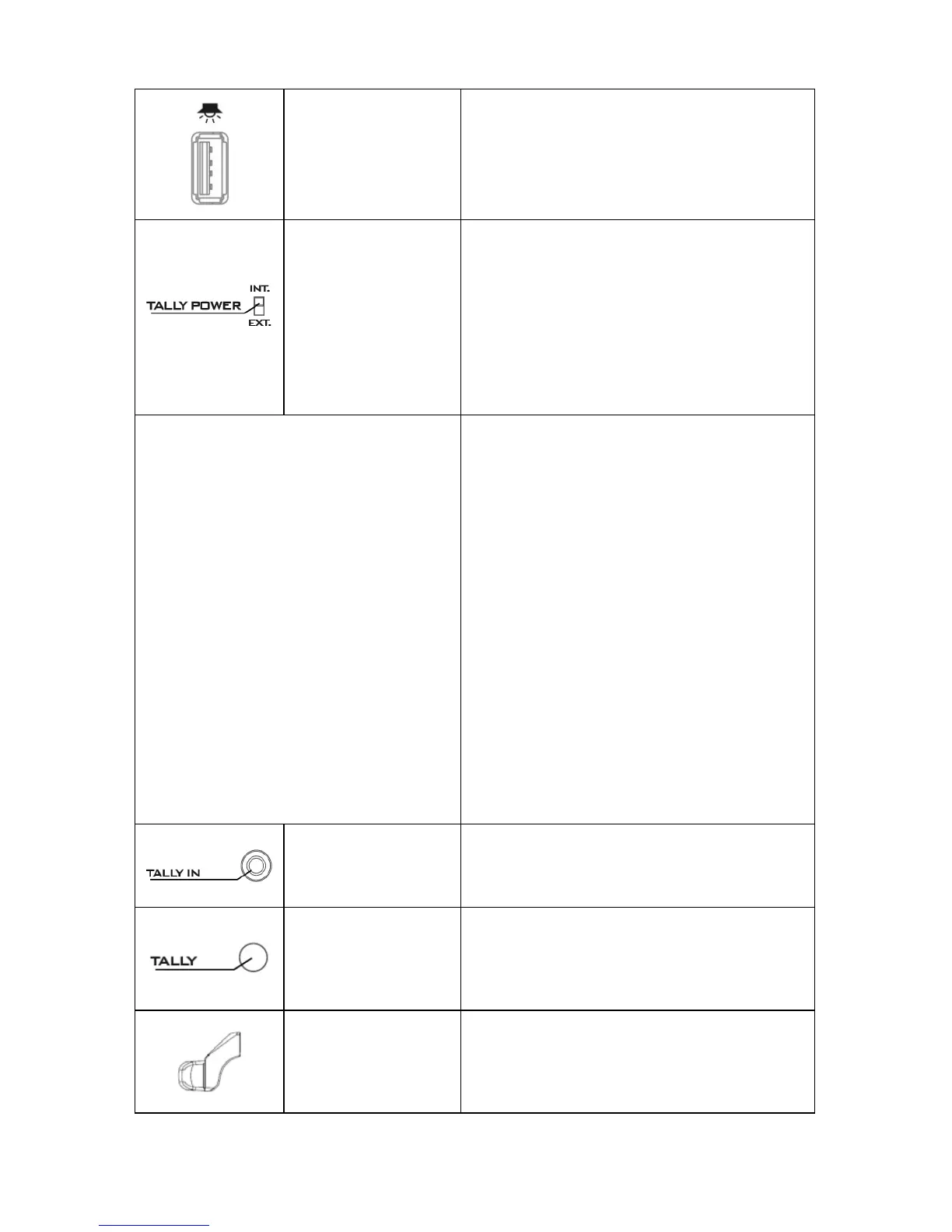
USB Port
The USB port serves as a power supply
port for an external LED Light when the
SLD-1 is mounted the AD-2 Adaptor.
Tally Power
Switch
The power switch toggles between
internal and external power modes.
INT Mode: AD-2
SLD-1.
EXT Mode: When SLD-1 is used in pair
with the ITC-100SL Intercom Belt Pack.
INT Mode EXT Mode
The tally light signal comes from the
plate.
The AD-2 Adaptor powers the rear
and front bi-color tally LEDs and the
USB port, which will thus be able to
supply power.
Switch to INT mode when the AD-2
is mounted.
When using the SLD-1 with the ITC-
100SL Intercom Belt Pack,
light signal then comes from the ITC-
100SL and directly supplies power to
the rear and front bi-color tally LEDs
without having to mount a V-mount
battery to the V-mount battery plate.
However, if the V-mount battery plate
is not mounted, the USB port will NOT
be able to supply power.
Switch to EXT mode when used in pair
with the ITC-100SL.
Tally IN
Connects an external tally light signal,
for example the ITC-100SL tally light.
Rear Bi-Color
Tally LED
Red indicates LIVE
Green indicates CUED
Front Bi-Color
Tally LED
Red indicates LIVE
Green indicates CUED



 To Next Page