57
OB-6 Operation Manual
Aftertouch
Conversely, if you select the lter frequency as destination, set a nega-
tive amount of aftertouch, then press the keys harder, the lter cutoff
frequency will be lowered, making the lter close more and the sound
become more muted.
The OB-6 provides four different aftertouch response settings for your conve-
nience. The default setting provides a linear response. To choose a different response
curve, use the at response button in the globals section. See page 14 for more
details.
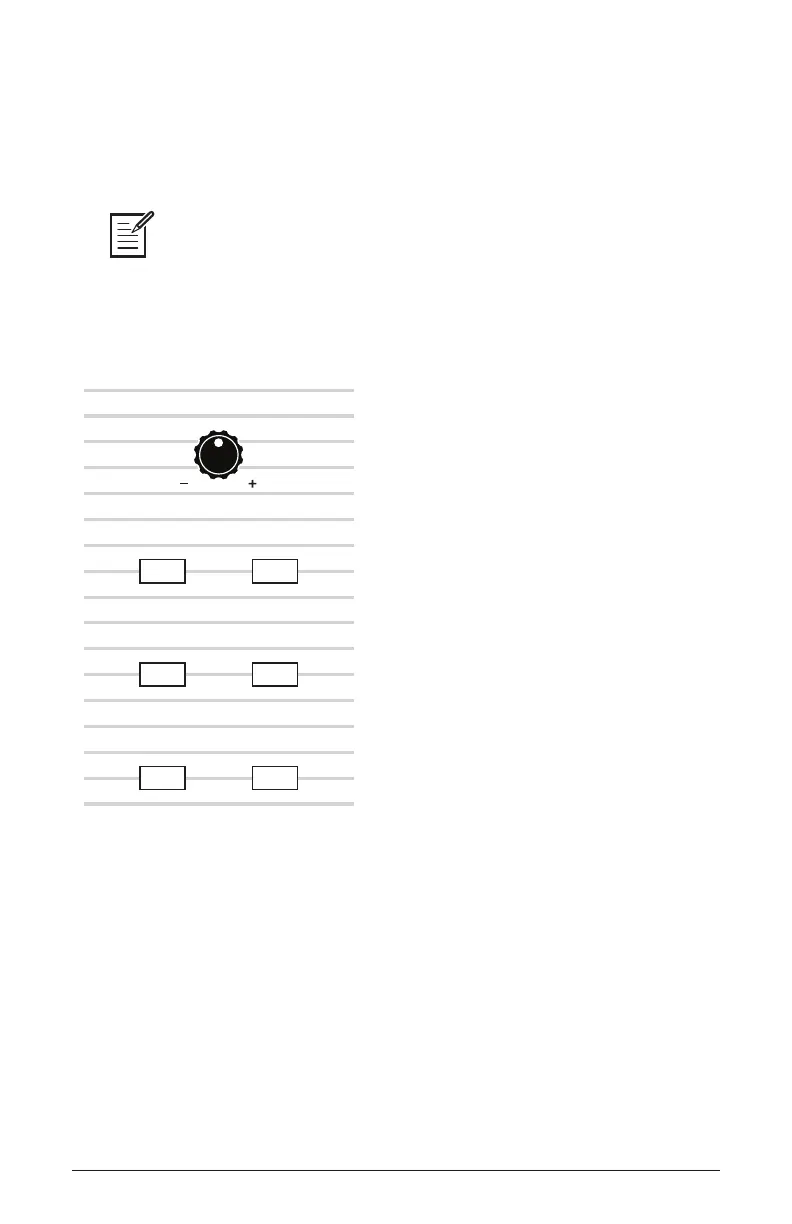
FILTR FREQ
VCO 1 VCO 2
LFO AMT LOUDNESS
FILTR MODE
AMOUNT
AFTERTOUCH
The Aftertouch controls
Amount: Selects the amount of aftertouch applied to a selected destina-
tion. Positive amount settings apply positive amounts of modulation.
Negative amount settings apply negative amounts of modulation.
VCO 1: Selects Oscillator 1 frequency as an aftertouch modulation desti-
nation. With a positive
amount setting, pressing the keys harder will shift
the Oscillator 1 pitch upward. With a negative
amount setting, pressing
the keys harder will shift the Oscillator 1 pitch downward.


 To Next Page