dBR-D1 Voice Recorder
14
minutes, and all the way upto 360 minutes, in 30
minute increments. Please use + or – to increase
the values.
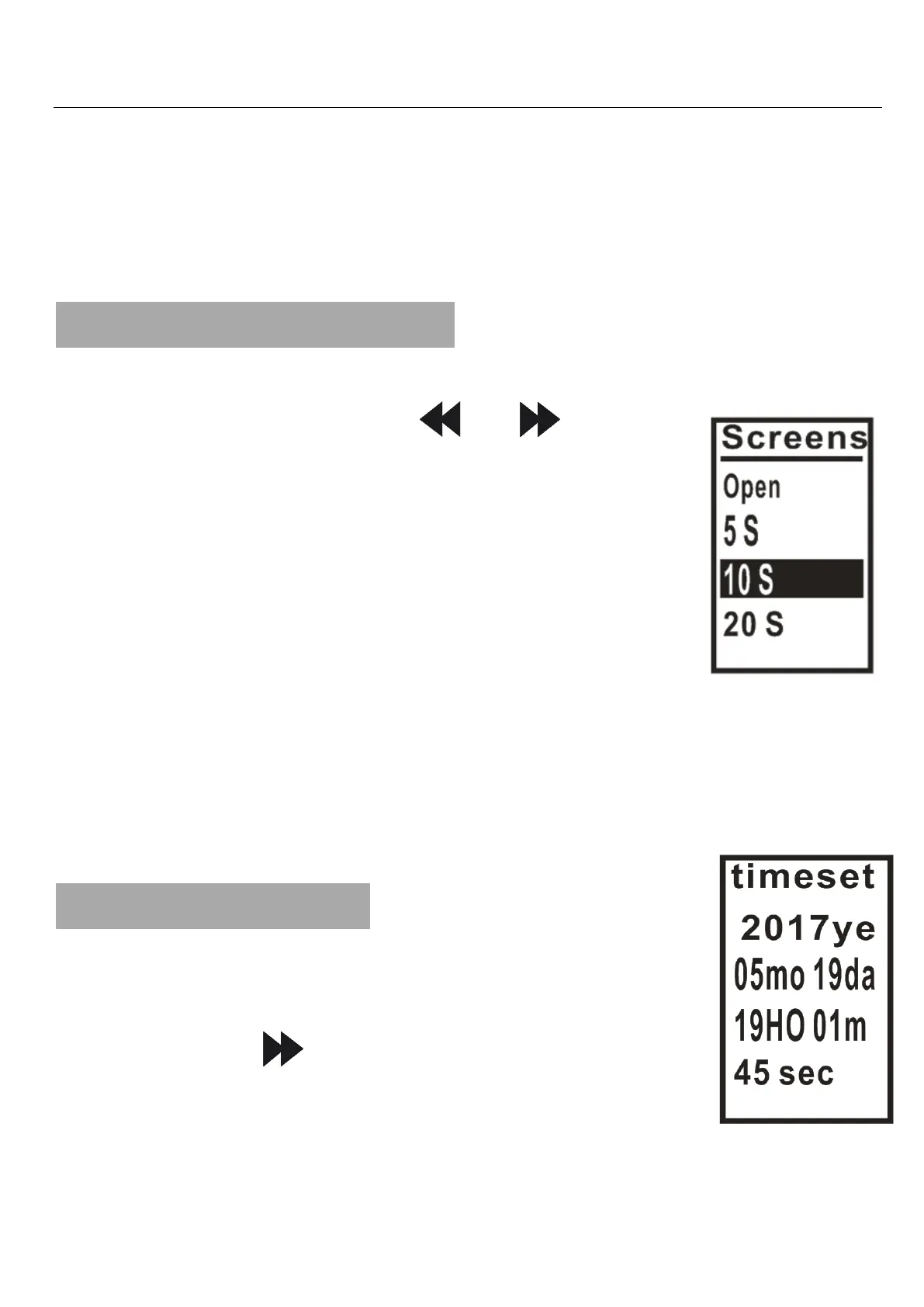
12. Screensaver Time
You can scroll through the various options for
this feature using “ ”or“ ”. Press
PLAY to confirm. Press “M” to exit.
1) Open
2) 5 S
3) 10 S
4) 20 S
5) 30 S
Save battery charge by selecting screen saver
settings.
13.Time Settings
You can select and press PLAY to
confirm, and press “M” to exit.
1) Press “ ”to select the desired
position.
2) Press“+/-” to adjust the number.


 To Next Page