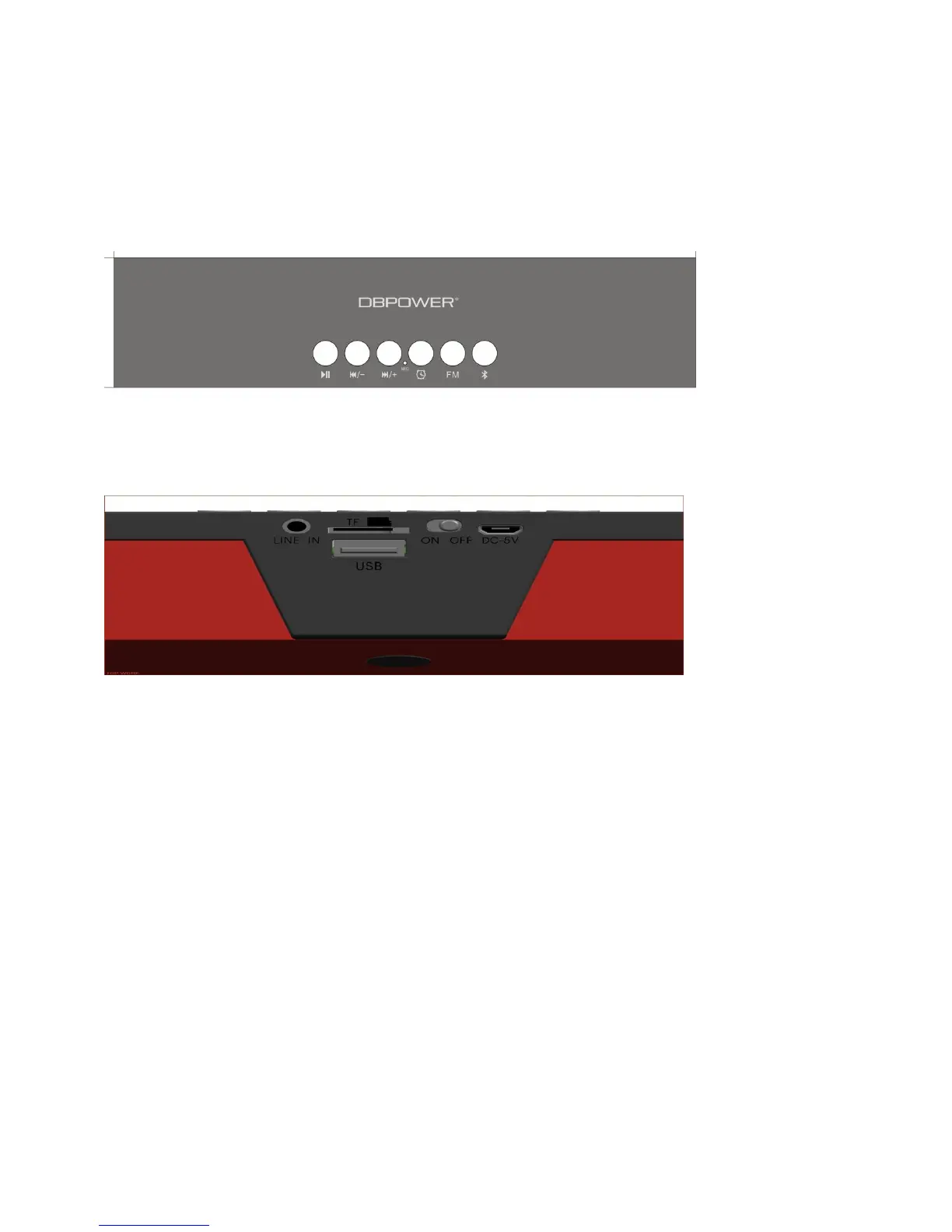
Button illustration schematic diagram:
Operating Preparation
Before you turn on the speaker, make sure that the battery is fully charged or
installed correctly.
Supports 5V/DC external power supply (minimum supply current >1A)
Charging Input
While on OFF mode, connect the USB charging cable to the DC-5 micro port
connector and plug the USB cable to the USB charger.


 To Next Page