Page 1
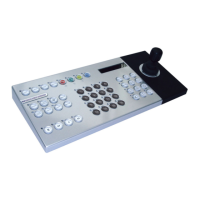
KBS3 Remote Keyboard
Set-up and operation guide
Connecting the Remote Keyboard
The remote keyboard is supplied with a 2m length of 485-bus cable; this is used to connect the
keyboard to either of the 485-bus ports on the Dedicated Micros DVR.
The remote keyboard can also be connected over longer distances, up to 1500m (4900ft), using
2 junction boxes (DM/CJ01), a 12v 1A PSU, and the required length of twisted pair cable, for
example CAT5.
The remote keyboard is compatible with the following Dedicated Micros Digital Recorders:
• Digital Sprite 2 range.
• BX2 range.
• D4 range.
A single remote keyboard can be connected to multiple (up to 16) DS2 or BX2 units. Multiple
remote keyboards can be connected to a single DS2 or BX2 unit.
The D4 unit supports a single remote keyboard and a keyboard can only be connected to a
single D4.
Operating DM’s DVR range from the remote keyboard
The remote keyboard has the same functionality as the front panel keyboard, but gives the
following additional benefits:
• Control of telemetry connected to the Digital Sprite.
DS2 range and BX2 range – Coaxial and Serial telemetry.
D4 range – serial telemetry only.
• Control of multiple DS2 or BX2 units from a single keyboard.**
• Panic alarm.
** Only a single keyboard can be connected to a D4.
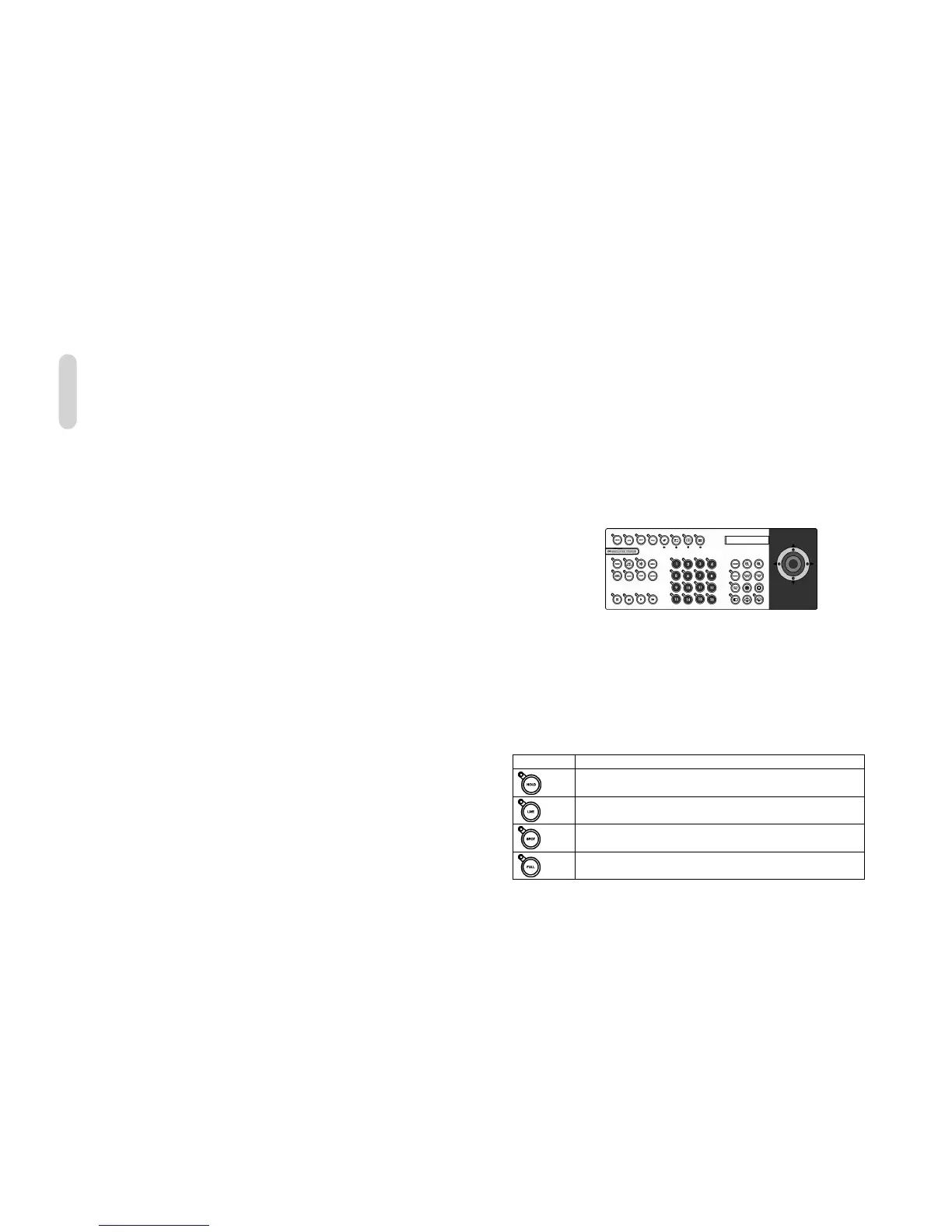
Description of keys:
Key Function
Toggle freeze frame on and off.
Selects Live mode.
Selects operation of the spot monitor.
Selects a full screen display.
ENGLISH


 To Next Page
 Loading...