4.2.3 VIEWING THE INSTRUMENT PAGES
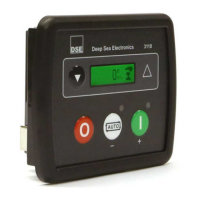
It is possible to scroll through the display to view different pages of information by repeatedly
operating the Down navigation button.
Once selected, the i page remains on the LCD display until the user selects a different page.
Press the Down navigation button…
Press the Down navigation button…
Press the Down navigation button…
Press the Down navigation button…
Press the Down navigation button…
Oil Pressure
NOTE: Only applicable to 3110-xxx-02 CAN variant.
Press the Down navigation button…
Coolant Temperature
NOTE: Only applicable to 3110-xxx-02 CAN variant.


 To Next Page
 Loading...