5.2 STOP/RESET MODE
NOTE: If a digital input configured to External Panel Lock is active, changing module
modes is not possible. Viewing the instruments is NOT affected by panel lock.
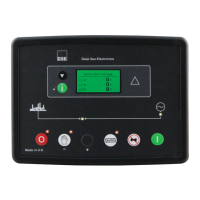
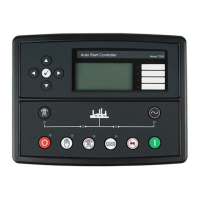
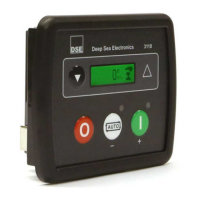
Stop/Reset Mode is activated by pressing the Stop/Reset Mode button.
The Stop/Reset icon is displayed to indicate Stop/Reset Mode operations.
In Stop/Reset Mode , the module removes the generator from load (Close Gen deactivates
immediately (if used and necessary)) before stopping the engine if it is already running.
If the engine does not stop when requested, the Fail To Stop alarm is activated (subject to the
setting of the Fail to Stop timer). To detect the engine at rest the following must occur:
• Engine speed is zero
• Generator AC Voltage and Frequency must be zero.
• Engine Charge Alternator Voltage must be zero.
• Oil pressure switch or CAN message must indicate low oil pressure.
When the engine has stopped, it is possible to send configuration files to the module from DSE
Configuration Suite PC software and to enter the Front Panel Editor to change parameters.
Any latched alarms are reset when Stop/Reset Mode is entered if the fault is no longer active.
The engine is not started when in Stop/Reset Mode . If remote start signals are given, the input is
ignored until Auto Mode is entered.
NOTE: For further details of module configuration, refer to DSE Publication: 057-087
DSE3110 DSE Configuration Suite PC Software Manual.
When the unit is configured for Power Save Mode and has been left in Stop/Reset Mode with no
presses of the fascia buttons, the module enters Power Save Mode. To ‘wake’ the module, press any
fascia control buttons.


 To Next Page
 Loading...