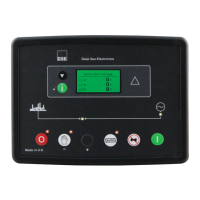
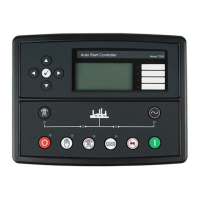
6 FRONT PANEL CONFIGURATION
NOTE: Depending upon module configuration, some values in the Front Panel
Configuration Editors may not be available. For further details of module configuration, refer
to DSE Publication: 057-087 DSE3110 DSE Configuration Suite PC Software Manual.
This configuration mode allows the operator to fully configure the module through its display without
the use of the DSE Configuration Suite PC Software.
Use the module’s facia buttons to traverse the menu and make value changes to the parameters:


 To Next Page
 Loading...