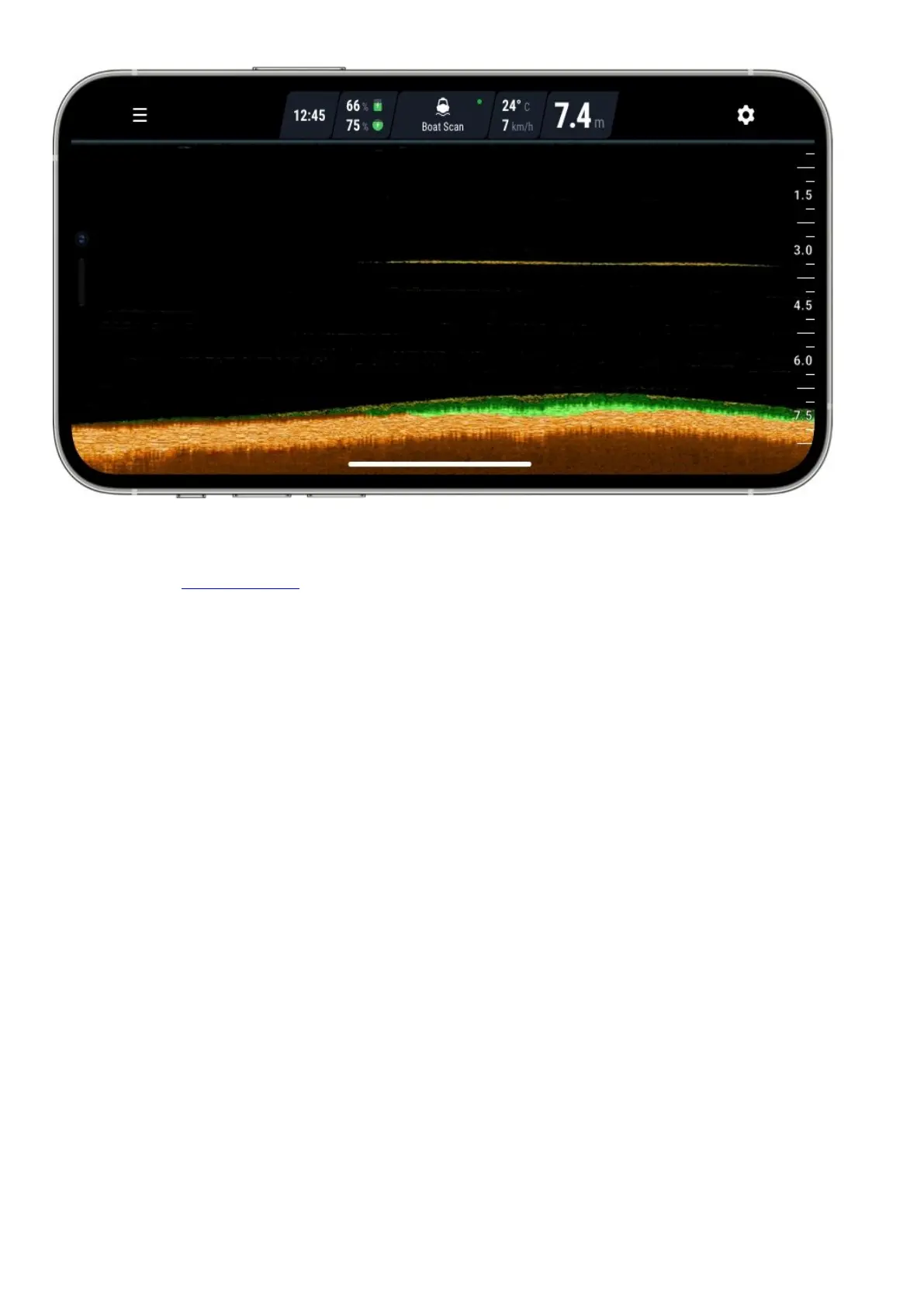
When your Deeper is in the water, the sonar will be scanning constantly. This means the display continually scrolls
from right to left, even if the sonar itself isn’t moving.
Read our page onhow sonars workfor a detailed explanation of these points, plus lots more useful information that
will ensure you understand your device correctly.
Connection issues with Deeper’s Wi-Fi
Firstly, please bear in mind that the connection ranges of 100m / 330ft (PRO/PRO+) and 50m /165ft(START) are
maximum ranges and can only be achieved in perfect conditions and with a smartphone or tablet that has a strong
reception antenna. Conditions like bad weather or using an incorrect attachment point may reduce the connection
range.
Optimal smartphone settings
To ensure a better connection range, first switch offMobile Dataon your smartphone / tablet, as this can affect
the strength of your Wi-Fi signal.Mobile datastrongly reduces the amount of information your device can send
via its Wi-Fi connection.
For iPhones and iPads, it is very important to turn offthe Wi-Fi assistfeatureas this feature can automatically
switch off the connection with your Deeper. You can find this feature in the settings menu of your device.



 To Next Page