The Deeper was not specifically designed to be used with RC bait boats, and even though it is possible, radio
interference can be expected, especially if the boat uses 2.4 GHz connection. If your RC boat controller supports
radio interference reduction functions - you should enable it.
Here are additional tips on how the connection can be improved:
Position the Deeper in a way that the water level is in between the very bottom of the Deeper and the
orange or black seal in the middle (but never goes beyond it). Ensure that the Deeper is not submerged, and
only the very bottom of the Deeper is touching the water.
Consider a slightly slower trolling speed when using the Deeper with a bait boat to avoid the Deeper getting
covered by a wave.
Try to position the Deeper in the front of the boat, instead of the back. If the Deeper is attached in the back,
it may be submerged by the current generated by boat motor.
Keep the boat controller as far away from your phone as possible to avoid interference.
If possible, consider changing your RC Bait Boat controller. Different controllers provide different results.
Look out for controllers that use AFHSS or have some other form of interference reduction.
Other settings
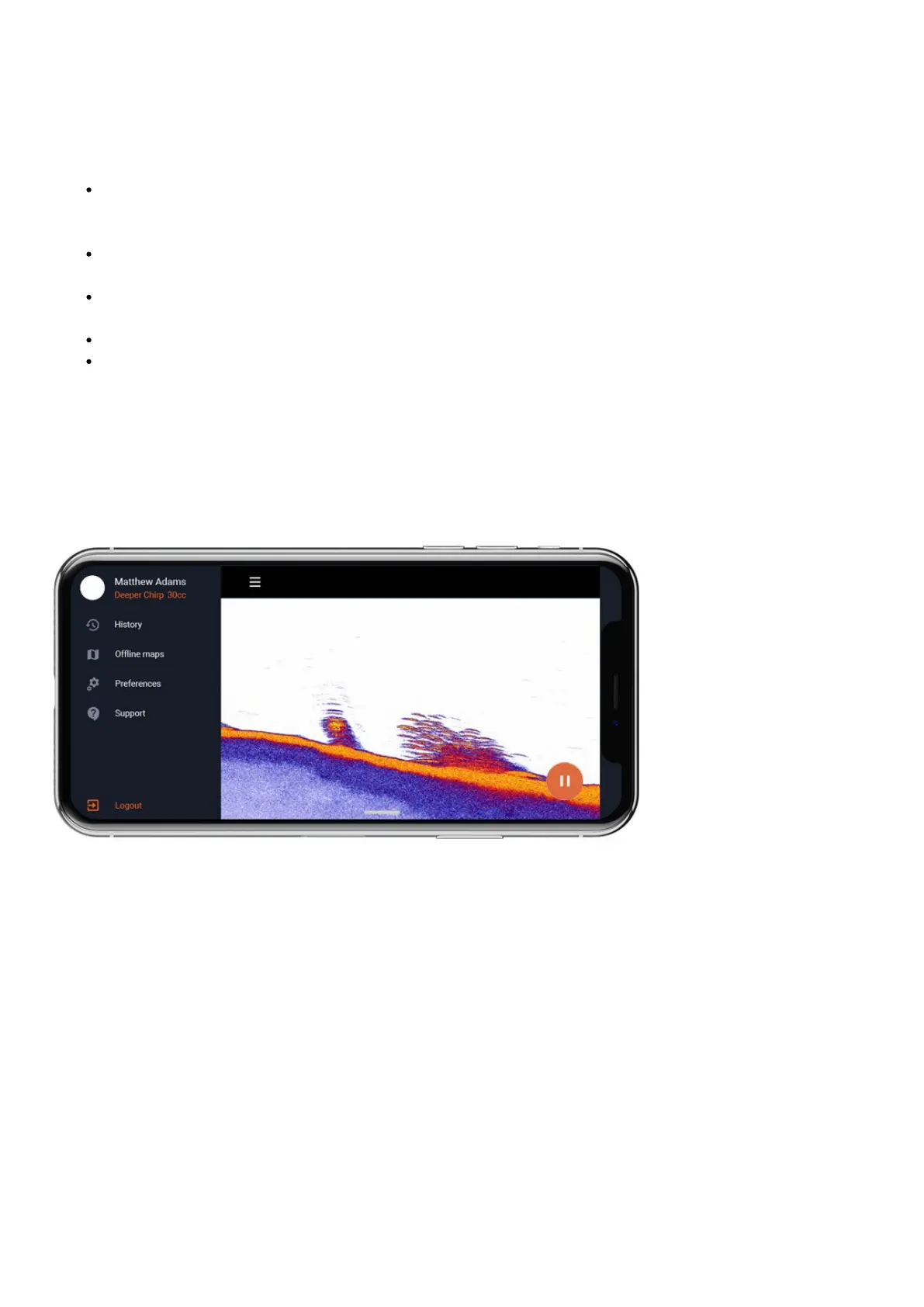
You can access other settings of the Deeper app by clicking on the menu icon on the top left corner:
History- History stores all your recorded scans. It can store an unlimited amount of data. Every recording can be
scrolled through from beginning to end. You can also see the exact date and time when the scan was made, as well
as its duration and sonar mode that was used.
Offline maps – an option to download mapsfor offline use. If you have Fish Deeper Premium active, offline map
will also contact bathymetric maps. Once you have download map from the list, you will be able to access it
anytime you use Boat or On-shore GPS mode, even if you do not have an internet connection. Note: offline map
enables itself automatically when you use On-shore GPS or Boat mode. You do not need to do anything else after
you have downloaded the map.
Preferences– allows you to choose language, the time format (24/12 hour), as well as measurement units: Metric
(m, °C), Imperial (ft, °F), Fathoms (ftm, °F), Mixed (fr, °C).
Weather – Weather function allows you to access a precise weather information for any location in the world.


 To Next Page
 Loading...
