been synced yet.
To immediately upload any unsynchronized sessions, just hit the icon on thetop right of the screen (a cloud with
an uparrow) when you are in History mode. Please ensure that your phone is connected to a stable internet
network when syncing.
With your data synced, you now have more flexibility as to how you storeit. You have 2 main options for how to
keep your data:
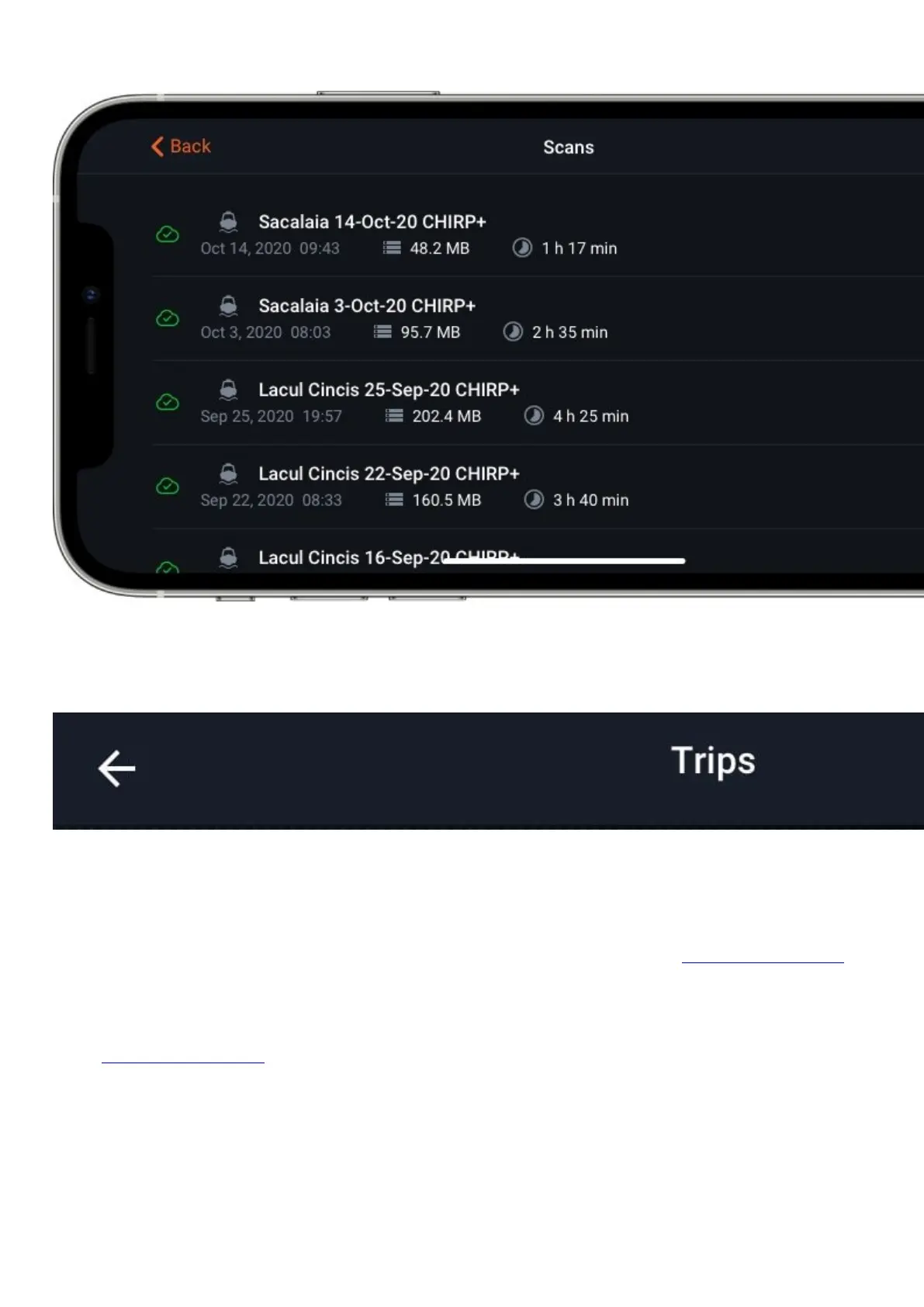
-Synced- this type of data is saved on both your phone and our cloud server. It can be accessed through
your phone and any other device using the Deeper App. Maps and scans can also be viewed on Fish Deeper
website. Synced data is accessible on any device, and maps and scans can be viewed on Fish Deeper web portal.
-Remote -this type of data is only saved on our cloud server.Itcannot be immediatelyaccessed through
the Deeper App – if you want to view it on your phone orany other Android or iOS device, you will need to
download it from the cloud first through the Deeper App.Maps and scans stored as remote data can still be viewed
on theFish Deeperwebportal.
Your scans will be saved as Synced data by default. To convert a sessioninto Remote data, which means it will not
be taking up any space on yourphone, just select the delete icon, then choose the option “Only deletefrom app”.
The delete icon will appear if you hold a finger on the scan (or slide it to the left if you're using an Apple device).
Scans saved as Synced data will appear as normal in the app, whereasRemote data will still appear, but only as a
grey outline.


 To Next Page
 Loading...
