Edit the details of Places and Catches
Once Place or Catch is saved on the map, you can edit the details of it by adding notes, photos, selecting the
fishing technique or bait that was used to catch a fish.
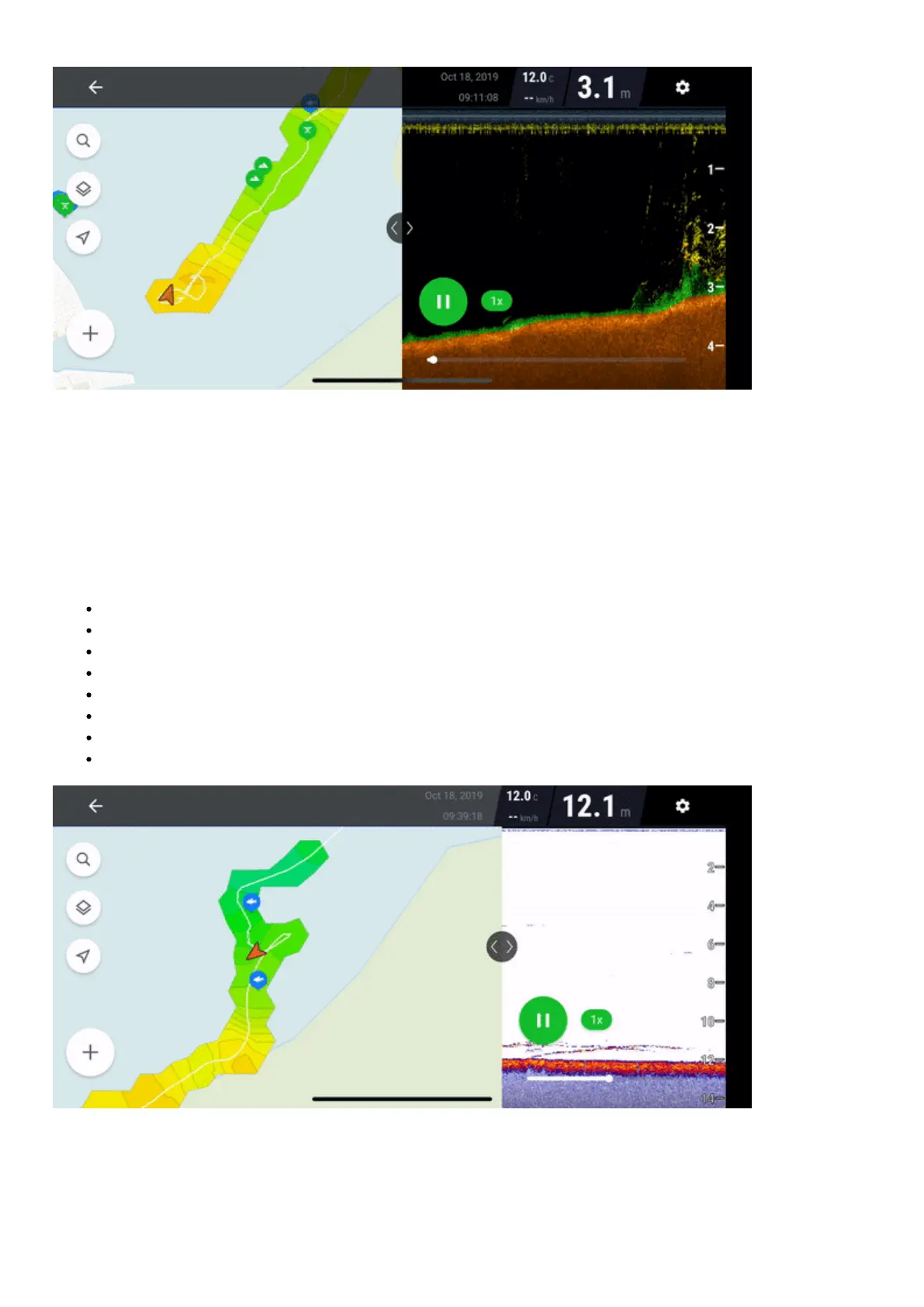
To Edit the details, navigate to your previously saved Place or Catch mark, and click on its icon. A pop-up will
appear in the top corner of the map – click on it to access the details of the point of interest.
Then, click Edit to edit the details of the Place or Catch.Following details can be edited:
Notes
Photos
Time and date
Type of place
Type of fish
Fish length and weight
Bait/Lure
Fishing technique
Map layers



 To Next Page